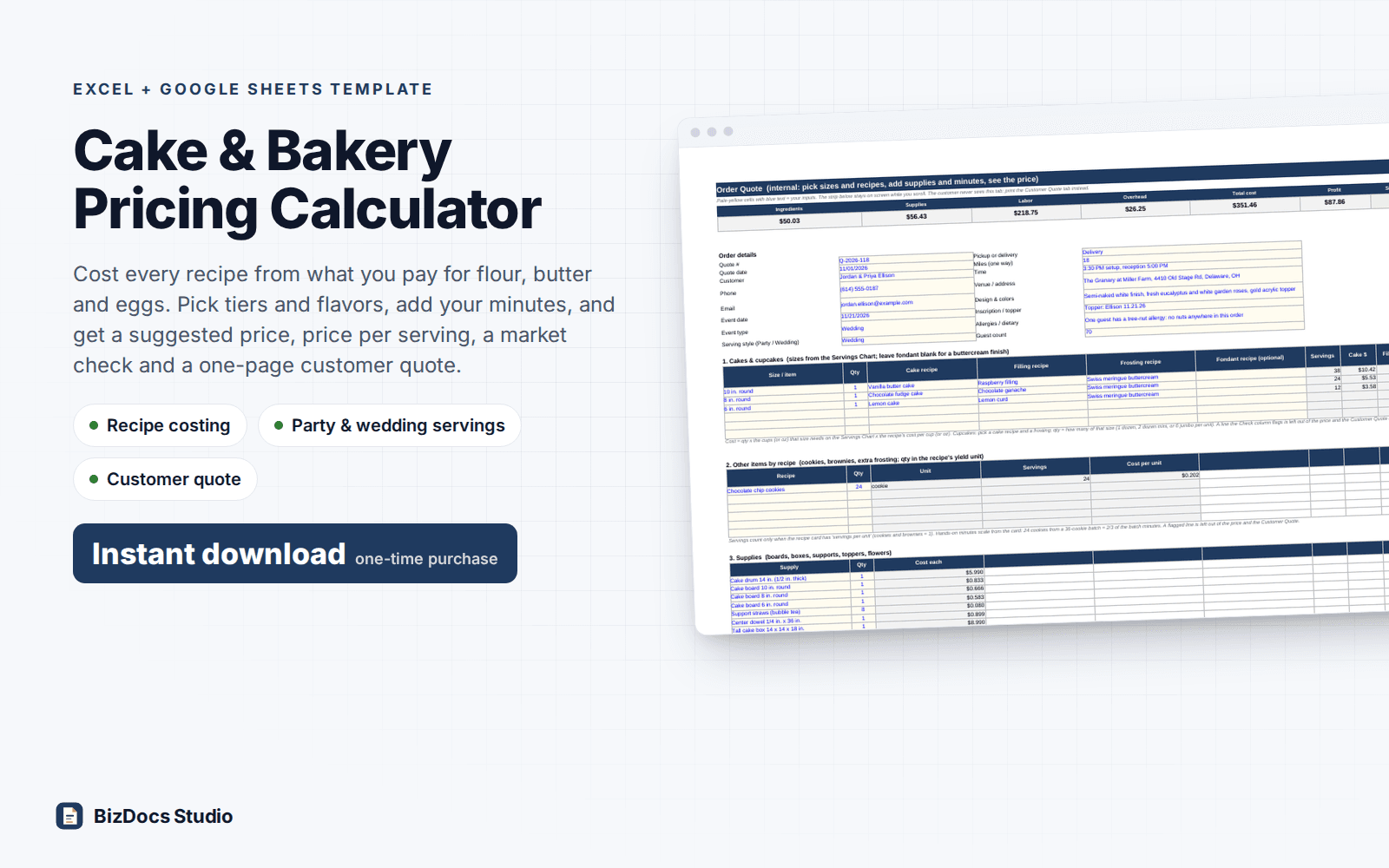
Cake & Bakery Pricing Calculator for Excel and Google Sheets
Cake Pricing Calculator for Home Bakers & Bakeries
Price every cake, cookie and cupcake order from your real costs, and see what it pays you per hour.
- Instant download · Excel workbook (.xlsx), opens in Google Sheets
- 14-day refund, no questions asked
- Personal and business use license
- Free updates to this version
Works with
- Microsoft Excel 2010 or newer
- Google Sheets (File > Import)
- Excel for Mac
- No macros, no add-ins
Made for: Home bakers and cottage food sellers, Custom cake and cookie decorators, Small bakeries and dessert caterers, Anyone who has guessed a cake price and regretted it.
13 tabs, one linked system
A cake pricing calculator for home bakers and small bakeries. An ingredient library turns package prices into cost per ounce, cup and each; 30 recipe cards and a servings chart feed a price list for every size; and the order quote adds boards and boxes, labor and overhead to suggest a price, show the price per serving and print a one-page customer quote. The order log shows what each order paid you per hour. Excel and Google Sheets.
- 1
Start Here
What each tab does, how the checks work, the color legend, the oz vs fl oz rule and how to open the file in Google Sheets.
- 2
Settings
Your hourly wage, target profit %, card fee %, price rounding, sales tax rule, delivery fee per mile and minimum, deposit %, balance due days, monthly overhead with orders per month, and the terms printed on the customer quote. A check at the top marks any number or choice that is blank, typed as text or out of range, and shows the value used instead.
- 3
Ingredients
82 common baking ingredients with example 2026 prices. Enter package size, unit and price; cost per oz (weight), per cup and per each calculate. Grams per cup and grams each handle the conversions. 120 rows.
- 4
Supplies
Cake boards, drums, boxes, liners, support straws, dowels, toppers, flowers and bags, priced per piece from the pack you buy. 40 rows.
- 5
Recipe Cards
30 cards. Pick ingredients from your library, enter amounts in g, oz, lb, sticks, cups, tbsp, tsp or each, and the batch yield. Each line shows its cost and a check; the card shows batch cost, cost per cup, oz or cookie, and a status that flags a missing or off-list recipe type or yield unit.
- 6
Recipe Costs
Every recipe at a glance: type, yield, batch cost, cost per unit, status, and what it costs for five sizes you choose. Click through to any card.
- 7
Servings Chart
17 sizes (4 to 14 in. rounds, squares, sheet cakes, cupcakes) with party and wedding servings, batter, filling and frosting cups, fondant oz, bake-and-build minutes, and whether each size counts as cake slices or pieces (cupcakes). All editable, plus common tier combinations. A check column flags a size with a blank or text amount; such a size is not used in quotes or the price list until you fix it.
- 8
Price List
A starting price for every size with one flavor set you choose: ingredients, board and box, labor, overhead, suggested price, price per party and wedding serving, and a fondant upcharge. It shows your costs, so it is your own price sheet for setting your menu prices, not a page for customers. A check column flags a size it cannot price, and that row shows no price until you fix it.
- 9
Order Quote
Up to 6 tiers or cupcake lines with cake, filling, frosting and fondant recipes, 6 extra items by recipe, 10 supply lines, and labor by task in minutes. Cost, profit, card fee, suggested price, price per cake serving, a guest check on cake slices (cookies and cupcakes listed as pieces; an order with no cake checks its pieces), delivery with your minimum fee, tax, deposit, balance, market check and your hourly rate. A red check line at the top lists anything that is not valid; a line its check column flags is left out of the price.
- 10
Customer Quote
One printable page for the customer: event details, sizes and flavors, servings, design notes, price, deposit, balance due date, your terms and signature lines. No costs shown. Lines the Order Quote flags are not printed, and a note beside the page (outside the print area) says the quote is not ready.
- 11
Order Log
200 rows: event date, customer, order type, description, servings, status, payment, price, delivery, costs, hours, sales tax charged and amount paid. Overhead, card fee allowance, earned for your time (delivery left out, same method as the Order Quote), effective hourly rate, profit after wage and balance due (including sales tax) calculate. They use your current Settings, so changing the wage, card fee or overhead later recalculates past orders too; the note above the table says so. A check column flags a row with no event date, order type or status, a booked or completed order with no price, or a number typed as text or below 0; a flagged row is left out of every total, and a counter at the top shows how many rows to check.
- 12
Summary
Completed orders by month and by order type for the year you choose: revenue, earned for your time, hours, effective hourly rate and average price per serving, with a chart. Check lines count completed orders the year table leaves out (flagged on the Order Log, or in another year) and order types listed twice, and reconcile with the Order Log.
- 13
Lists
Helper tab with the unit conversion table and dropdown lists, with three spare rows each for your own recipe types, yield units, order types, payment methods and event types. Dropdown entries can be renamed; the unit table is fixed. Checks count entries used twice and fixed entries left blank. Visible and labelled.
What you can count on
- Unit conversion done right: oz (weight) and fl oz (volume) kept apart, cups of flour and sugar costed by their real weight, sticks of butter, eggs by the each or dozen
- Recipe cards flag any line that cannot be costed instead of silently counting it as zero
- Party and wedding servings for 17 sizes, with batter, filling, frosting and fondant amounts per tier
- Suggested price from ingredients, supplies, your wage, overhead per order, profit and card fee, rounded up to the nearest $5 (you choose)
- Market check against local prices per serving, with your hourly rate at your price and at the market price
- One-page customer quote with deposit, balance due date and your terms; your costs stay on the internal tab
- Order log and summary show which order types pay you best per hour
- 4,100+ formulas, all visible and editable; verified to the cent
Last updated November 21, 2026. Buyers get updates to this version free, by email.
Before you buy
Does it work in Google Sheets?
Yes. Open Google Sheets, File > Import > Upload the .xlsx. Formulas, dropdowns, conditional formatting and the chart carry over. Every formula uses functions that work in both Excel 2010+ and Google Sheets; there are no macros.
Can I use my own recipes, prices and pan sizes?
Yes, that is the point. Overwrite the sample ingredient prices with your receipts, type your recipes into the 30 cards in whatever units you measure in, and edit the Servings Chart to match your pans and slice size. Nothing is locked or hidden.
Are the sample prices right for my area?
They are editable examples of typical 2026 US grocery and warehouse-club prices, so the sample shows realistic numbers. Prices vary by store and region; replace them with what you pay and every recipe and quote updates.
Does it price cookies and cupcakes too?
Yes. Cupcakes are sizes on the Servings Chart (1 dozen, 2 dozen mini, 6 jumbo) with batter and frosting amounts. Cookies, brownies and bars are priced per piece from their recipe card, and can be added to any cake order or quoted on their own.
Does it tell me about licenses or sales tax?
No. It is a pricing tool, not tax or legal advice. There is a sales tax rate in Settings (0% by default) and an optional line for a permit or label statement on the customer quote (blank in the sample). Whether you need them depends on your state and city, so check with your local health department and a tax professional.
How do I get the file?
Instantly after payment: a download page opens and the link is also emailed to you. Lost it? Email us and we resend it.
What if it is not what I need?
Email us within 14 days and we refund you. No forms, no questions.
Learn before you fill it in
More templates for bakeries & restaurants
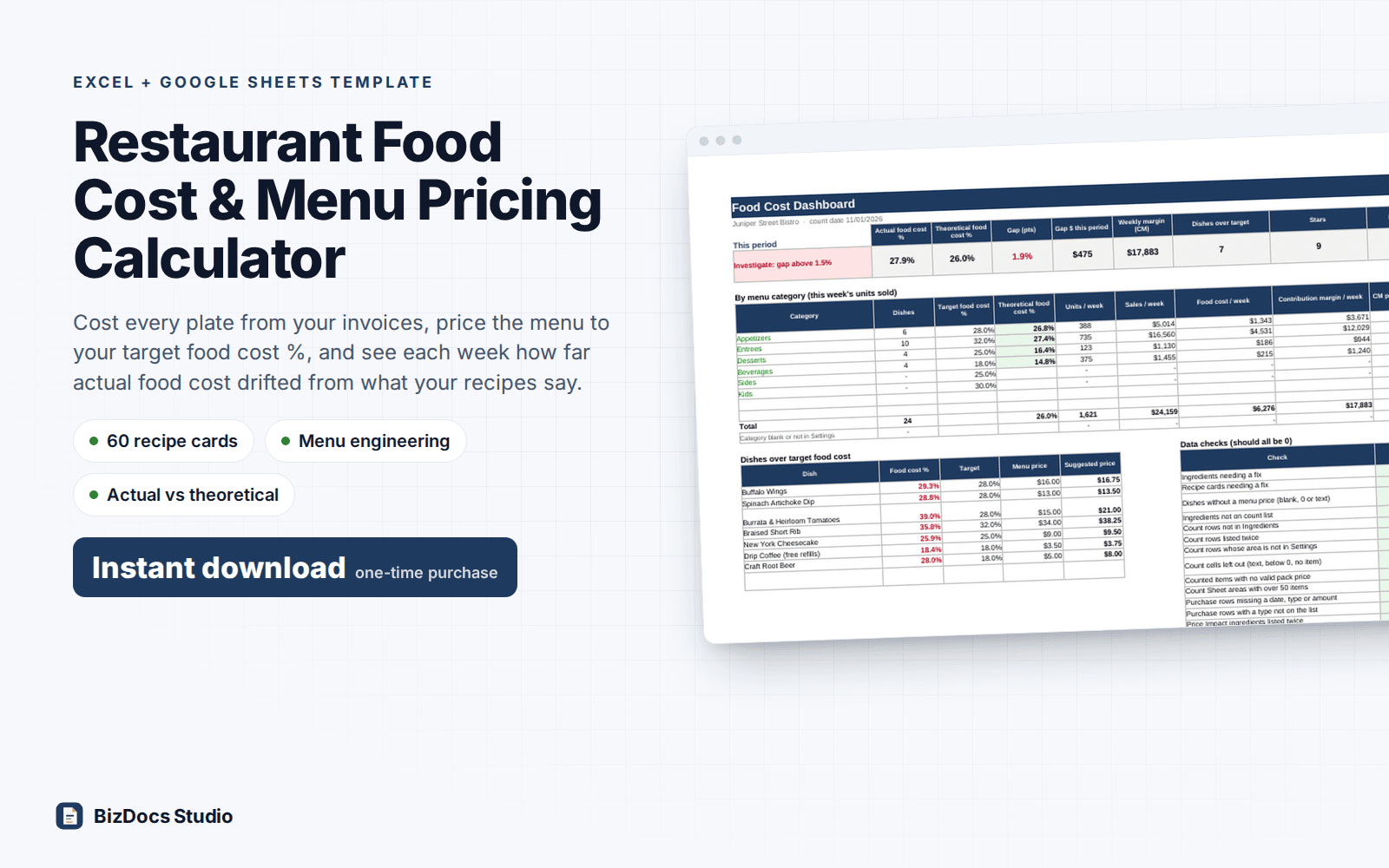
Restaurant Food Cost & Menu Pricing Calculator
Recipe costing from your invoices, menu prices set to a target food cost %, and a weekly actual food cost check.
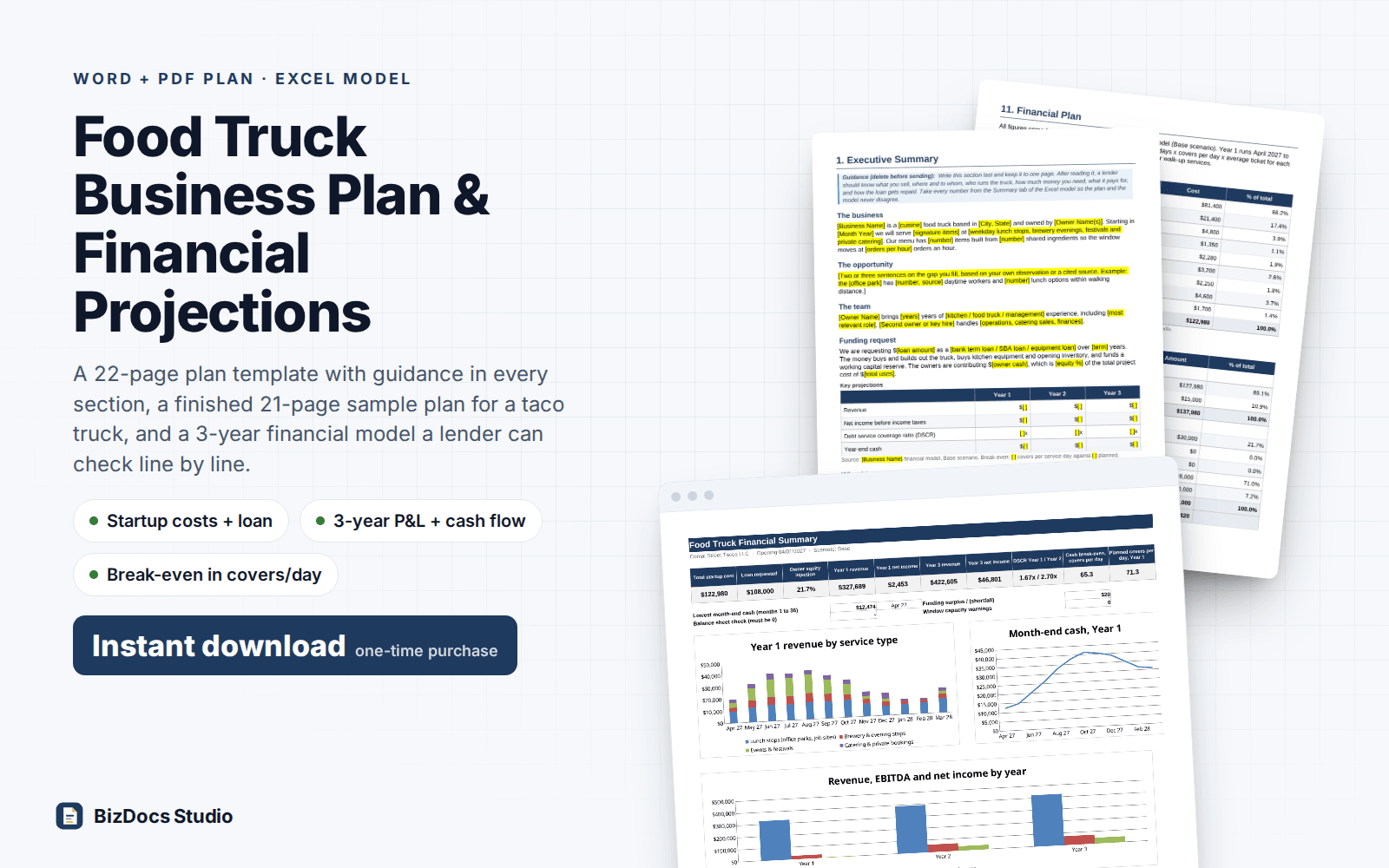
Food Truck Business Plan Template with Financial Projections
A business plan template, a finished sample plan for a taco truck, and a 3-year financial model a lender can check.
Cake & Bakery Pricing Calculator
$11 one-time · instant download · 14-day refund