Templates for contractors and remodelers
A small contracting business runs on five pieces of paper: the estimate, the proposal the client signs, the change order when scope moves, the job cost record that tells you whether you made money, and the invoice. Most contractors keep these in five different places, which is why margins leak.
The templates below are built to hand off to each other. The estimate prices every line from your real overhead and profit, the proposal and change order pull from it, the job cost tracker compares the budget to what you actually spend, and the invoice tracker makes sure the money arrives.
Use them in job order. Price the work in the estimate, turn it into a proposal the client signs, put every change in writing when it happens, compare cost with budget while the job is still running, and bill on the schedule the contract set. A contractor who only does the first and last steps finds out about a losing job after it is finished.
Templates
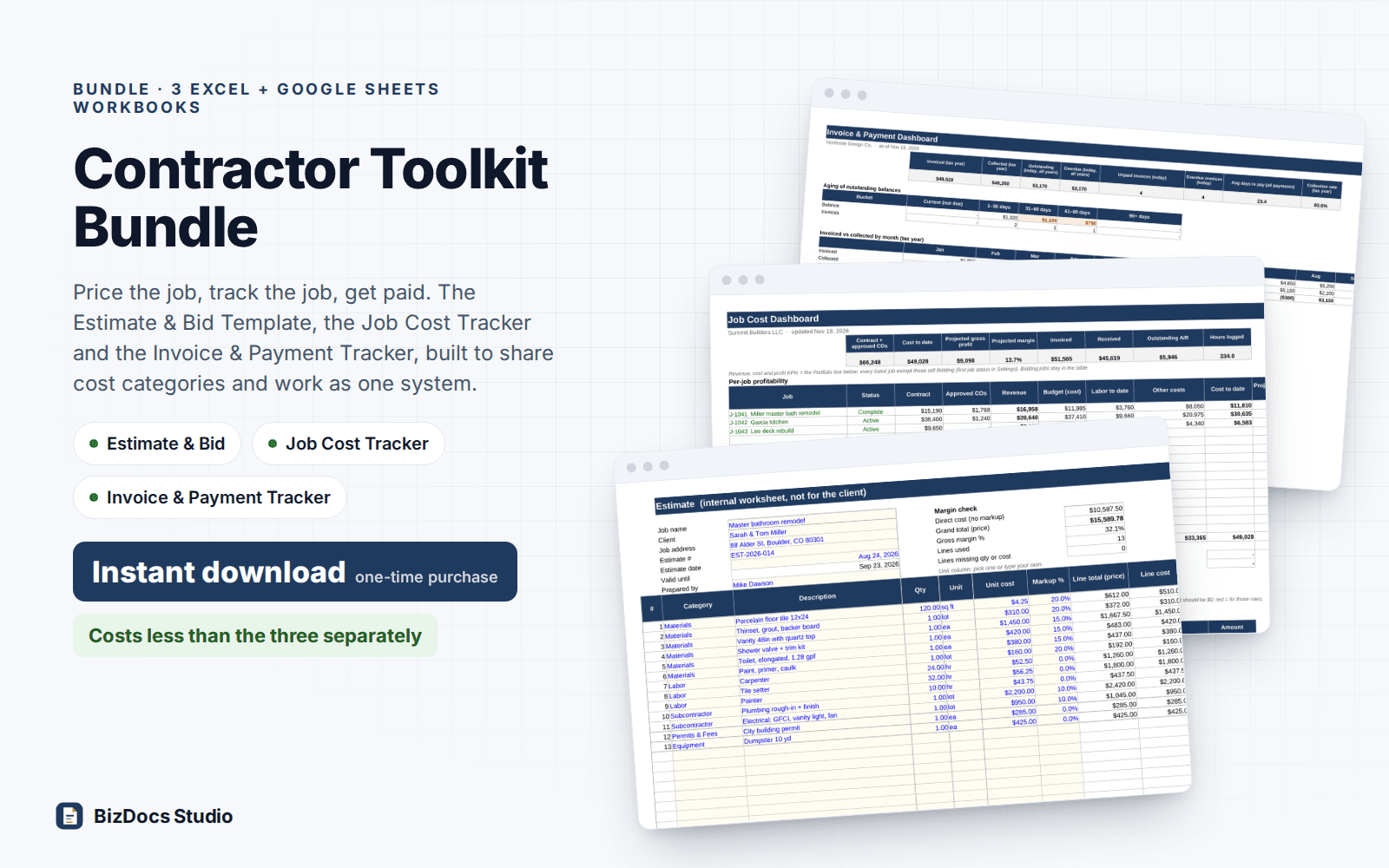
Contractor Toolkit Bundle
The estimate, job cost tracker and invoice tracker for contractors, sold together for less.
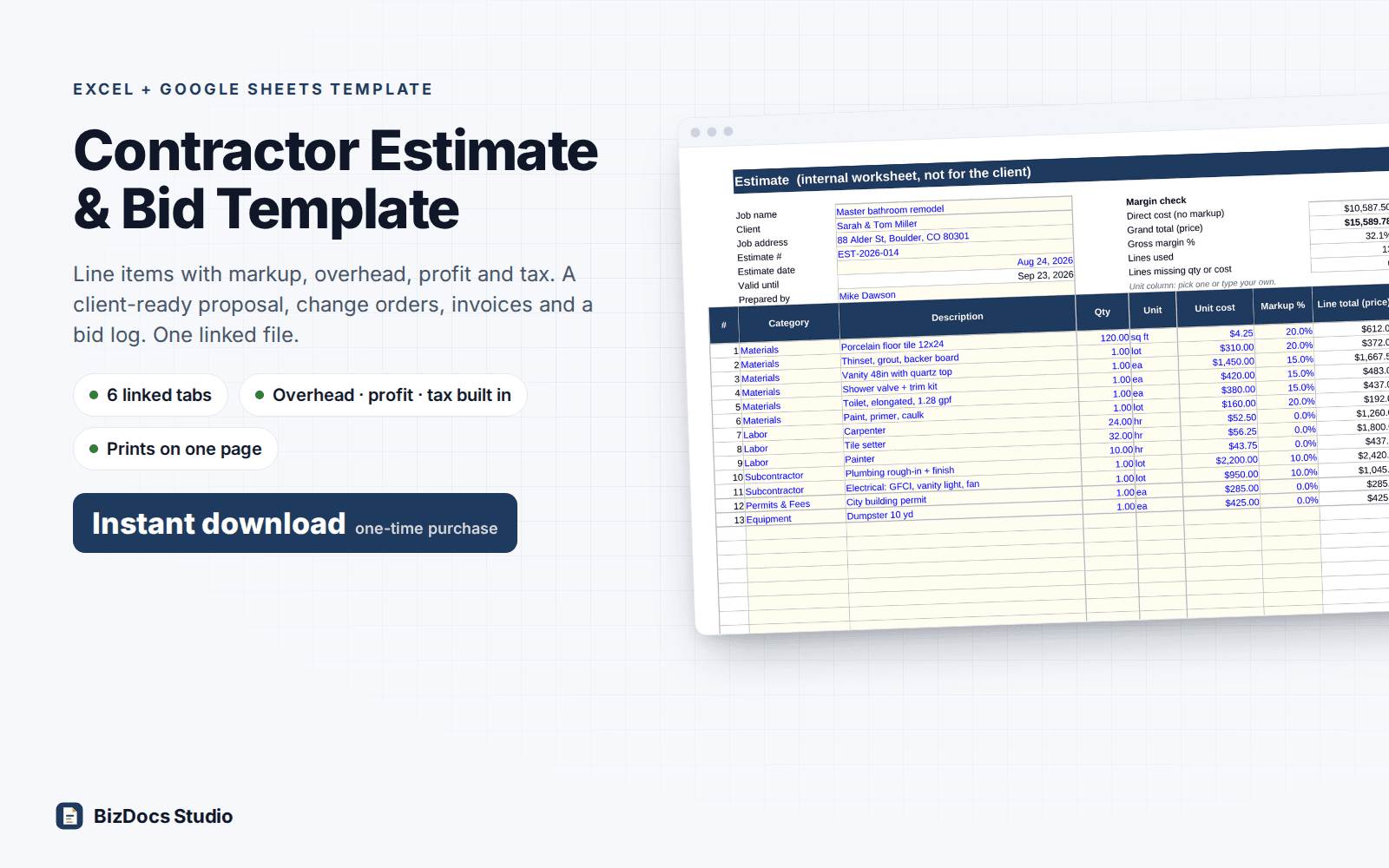
Construction Estimate & Bid Template
Price a job line by line, then turn it into a one-page proposal the client signs.
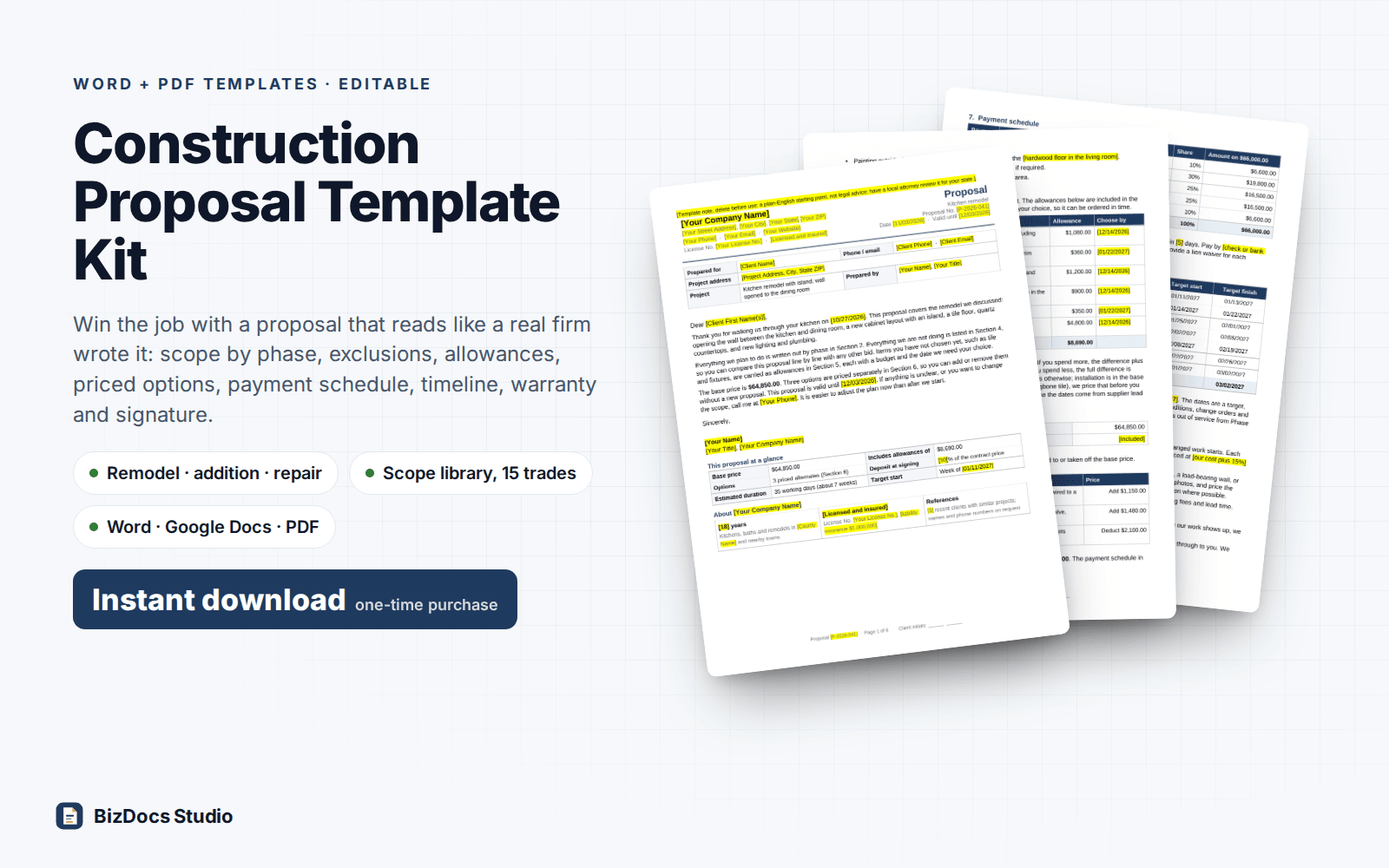
Construction Proposal Template Kit
Remodel, addition and repair proposals with scope by phase, exclusions, allowances, priced options and a signature page.
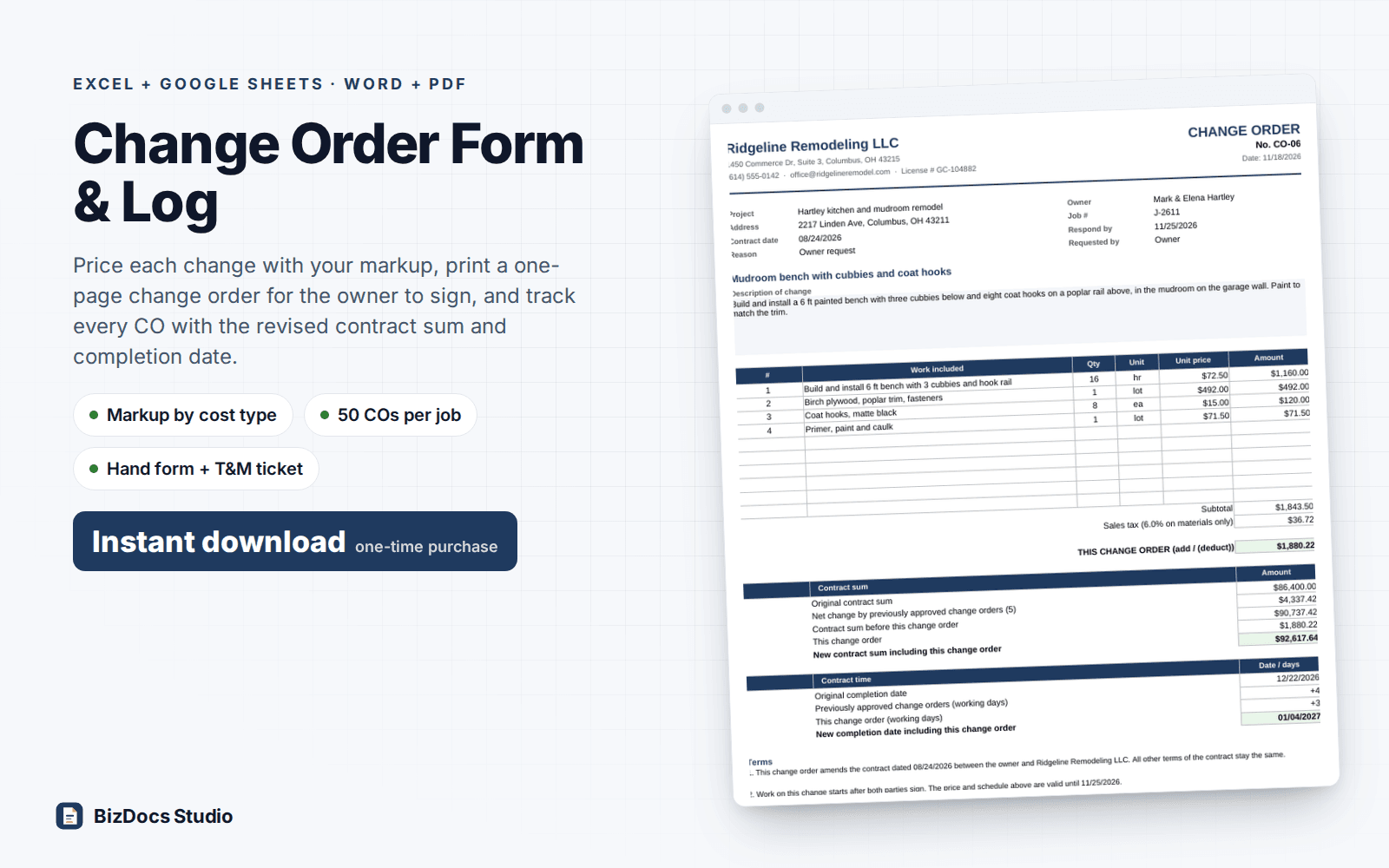
Change Order Form & Log
Price each change with your markup, print a one-page change order for signature, and track every CO with the revised contract sum and completion date.
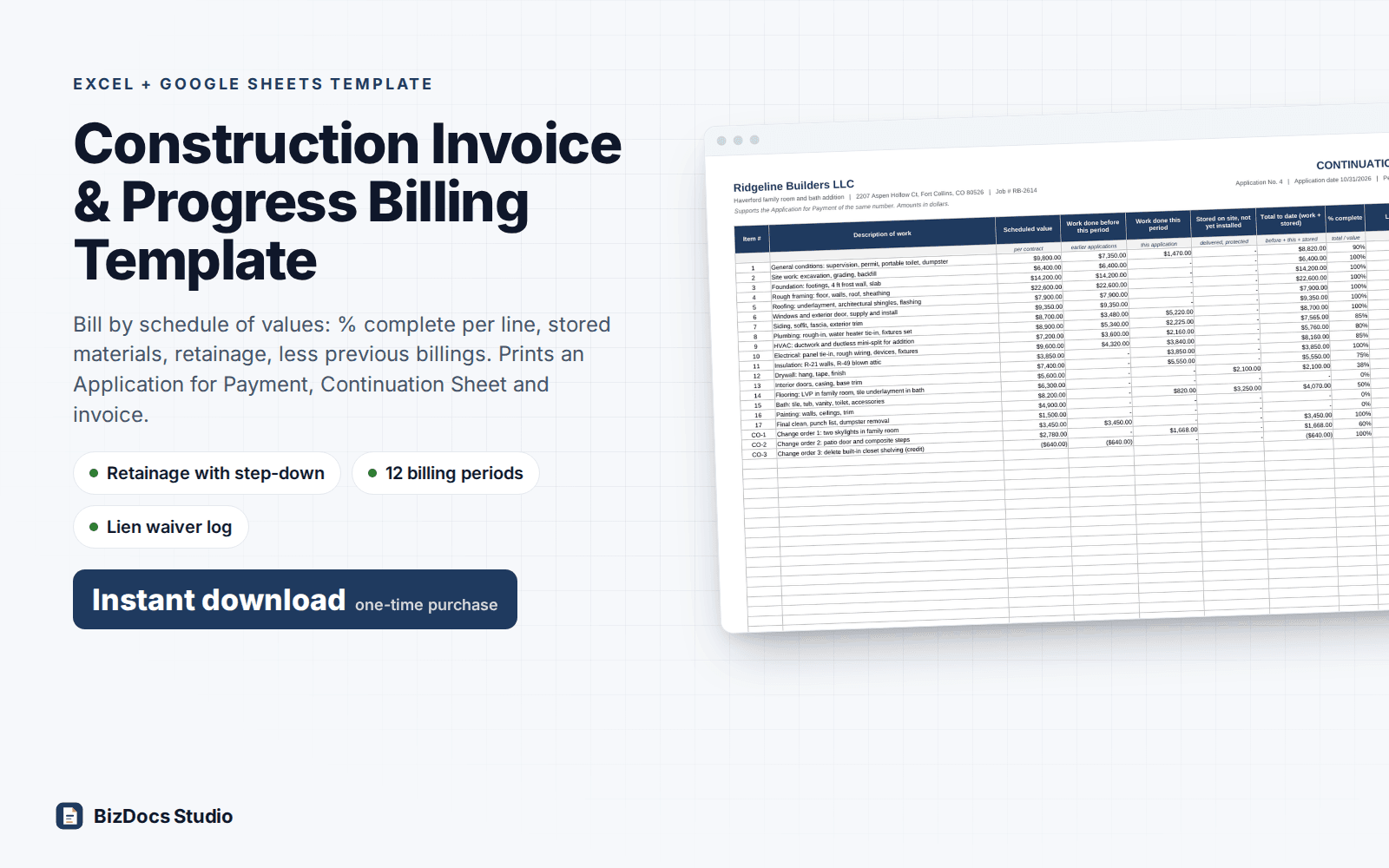
Construction Invoice & Progress Billing Template
Progress invoices by schedule of values, with retainage, stored materials and the amount due each period.
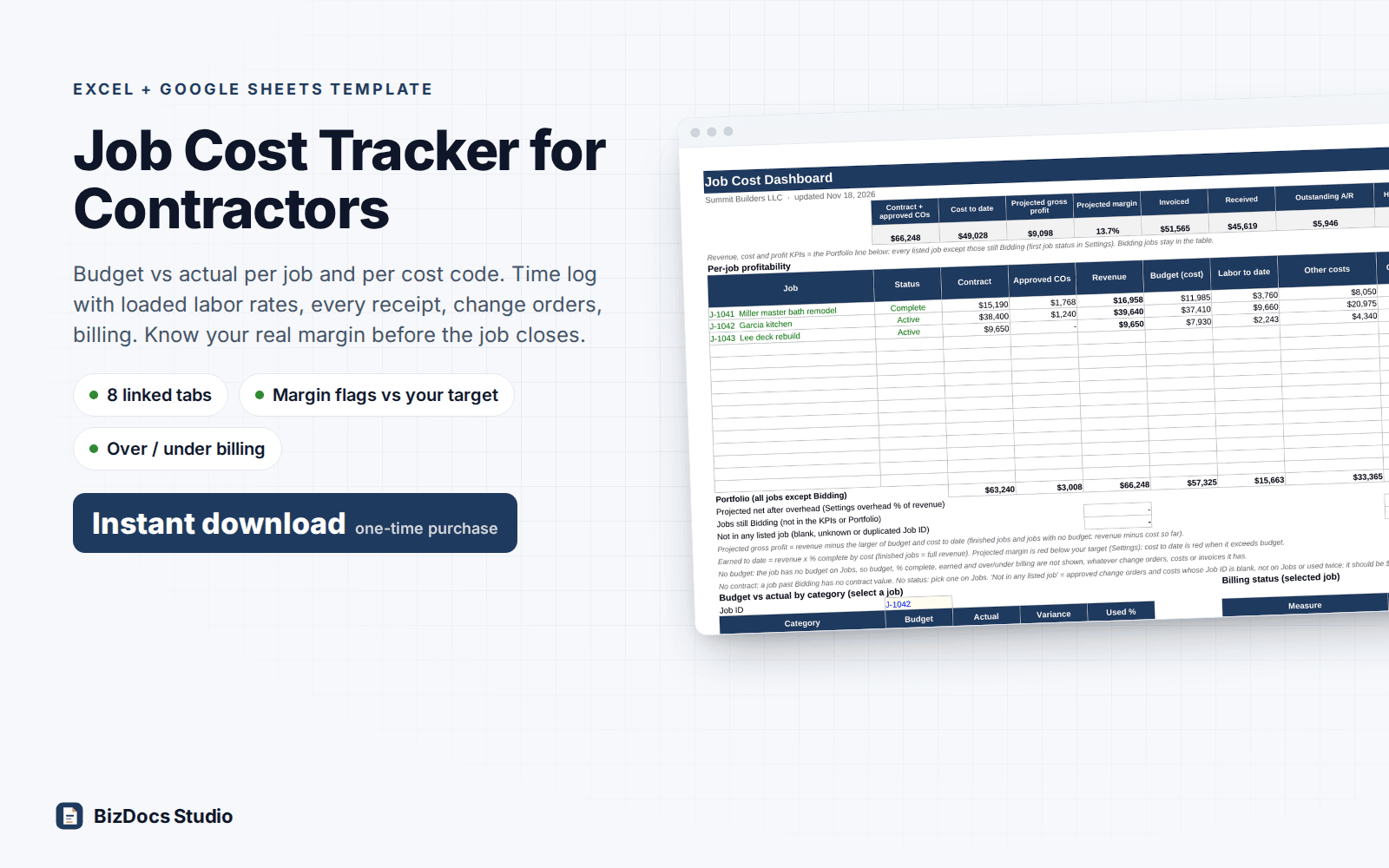
Job Cost Tracker for Contractors
Compare each job's budget with what you actually spend, by cost code, while the job is still running.
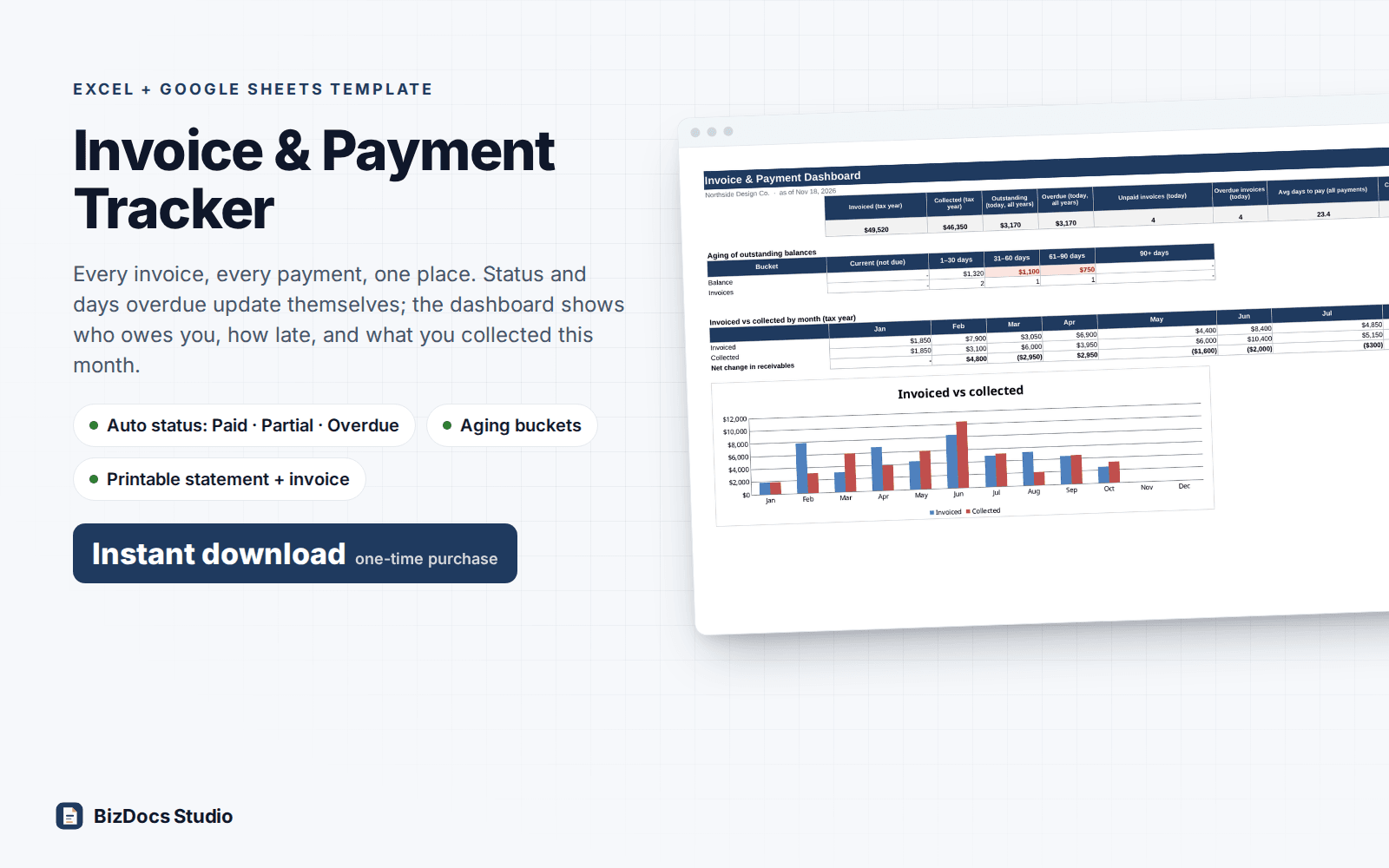
Invoice & Payment Tracker
Every invoice and payment in one list, with who owes you and how many days late they are.
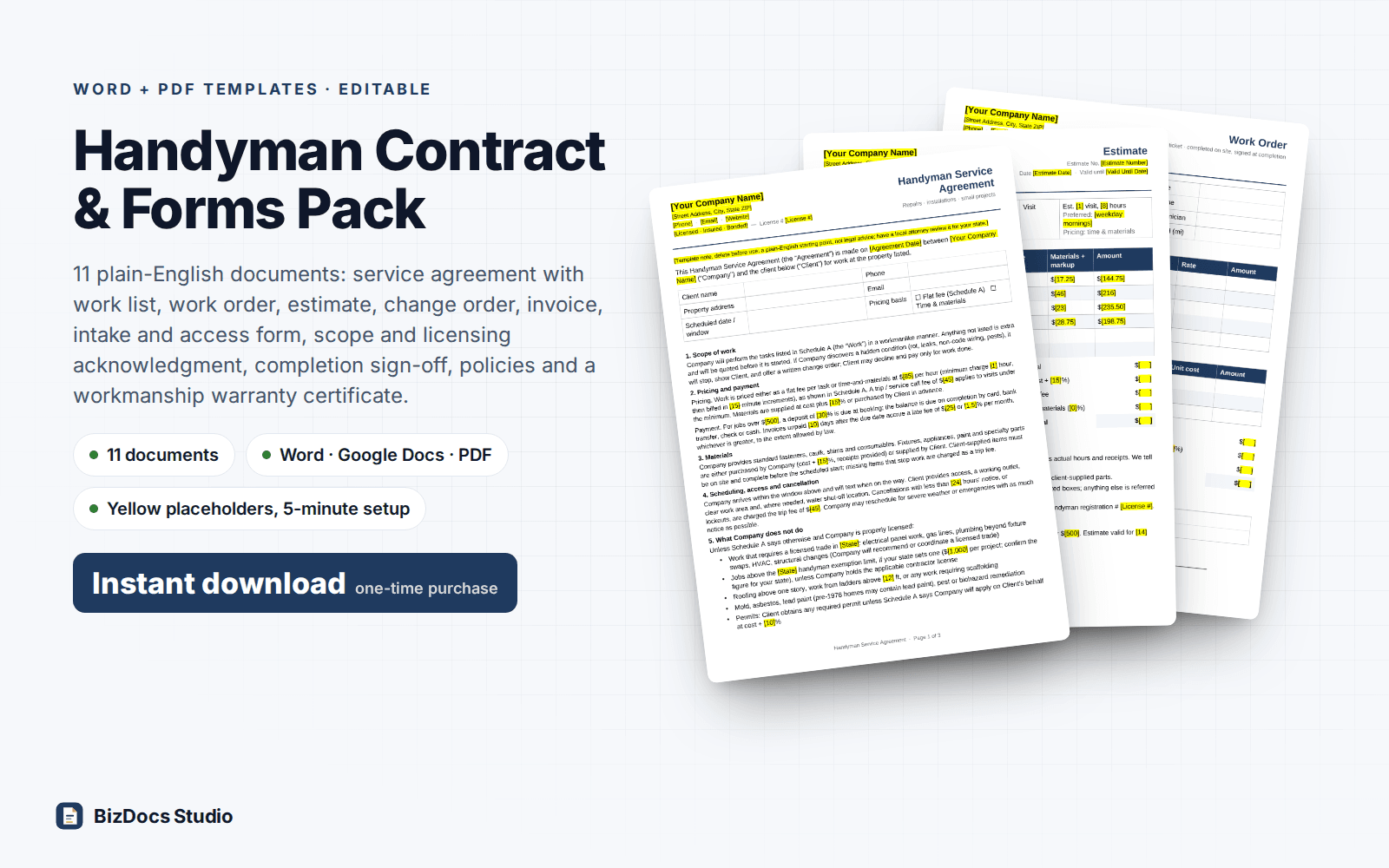
Handyman Contract & Forms Pack
The agreement, work order, estimate, change order and invoice a handyman uses every week.
Paperwork checklist: contractors
| Document | Why you need it | Template |
|---|---|---|
| Estimate with overhead and profit | Prices the job from costs, not guesses; the basis for every other document. | Estimate & Bid · $16 |
| Client proposal / bid | What the client signs: scope, price, schedule, payment terms. No internal costs shown. | Estimate & Bid · $16 |
| Change order | Written approval and price for any change in scope before the work is done. | Estimate & Bid · $16 |
| Job cost record | Budget vs actual by cost code so you catch a losing job while it is still running. | Job Cost Tracker · $13 |
| Invoice and payment log | Deposits, progress billing and final invoice with an overdue list. | Invoice Tracker · $7 |
| Lien waiver | Required by many lenders and owners at each payment; state-specific forms. | Not included (state-specific) |
| Detailed proposal with scope and exclusions | On remodels and additions the argument is rarely about the price; it is about what the price included. Scope by phase, exclusions and allowances settle that before anyone signs. | Construction Proposal Kit · $16 |
| Change order log | One change order is a form; ten are a ledger. A log with the running contract sum and completion date keeps the final invoice from being a surprise. | Change Order Form & Log · $9 |
| Progress billing with retainage | Jobs paid in stages need a schedule of values, percent complete for each period and retainage tracked through to the last draw. | Progress Billing · $17 |
Guides
- How to write a construction estimate, step by step
How to write a construction estimate step by step: line items, labor burden, overhead, profit, contingency and tax, with a worked example. Free sample PDF.
- How to write a construction proposal that wins the job
What a construction proposal needs, section by section: scope by phase, exclusions, allowances, options, payment schedule and timeline, with a worked example.
- How to write, price and track a construction change order
When to use a change order, what it must include, how to price it with markup, credits and days, and how a log tracks the revised contract sum. With examples.
- How to bill construction work: deposits, progress billing and retainage
How to invoice a construction job: deposit and final invoices, schedule of values, % complete, stored materials, retainage and payment terms, with examples.
- Job costing for contractors: how to see profit while the job runs
How contractors track job costs: cost codes, labor hours at loaded rates, materials, subcontractors, change orders and margin, reviewed while the job runs.
Questions
Which template should a new contractor start with?
The estimate. Every other document is built from it, and pricing from real overhead and profit is the single biggest margin lever. The Contractor Toolkit Bundle adds job costing and invoice tracking for about 30% less than buying each one.
Do these work in Google Sheets?
Yes. The Excel workbooks use standard functions only (no macros), so they import into Google Sheets with formulas intact.
Are the contracts valid in my state?
They are plain-English templates with your state, license number and terms as placeholders. Contractor rules vary by state, so have a local attorney review before use. Not legal advice.
What is the difference between an estimate and a proposal?
An estimate is your internal pricing: quantities, unit costs, markup, overhead and profit. A proposal is what the client reads and signs: scope, exclusions, price, payment schedule and terms. Build the estimate first and let the proposal carry the scope and the totals, not your costs.
When do I need progress billing instead of a simple invoice?
When a job runs longer than a month, is paid in draws or has retainage. Progress billing invoices each period for the work completed against a schedule of values and keeps a running record of what has been billed, paid and held back.