Job costing for contractors: how to see profit while the job runs
By Can Çuhacı · Updated
- •Job costing means recording every cost against the job and cost code it belongs to, then comparing it to the budget from your estimate.
- •Use the same cost codes in the estimate and the tracker, or the comparison is meaningless.
- •Log labor at the loaded rate, include change orders in both budget and revenue, and review margin weekly.
- •The goal is to see a losing job at 40% complete, not at the final invoice.
The estimate tells you what a job should cost. Job costing tells you what it is costing. Without it, you find out whether a job made money weeks after it ended, when nothing can be done about it.
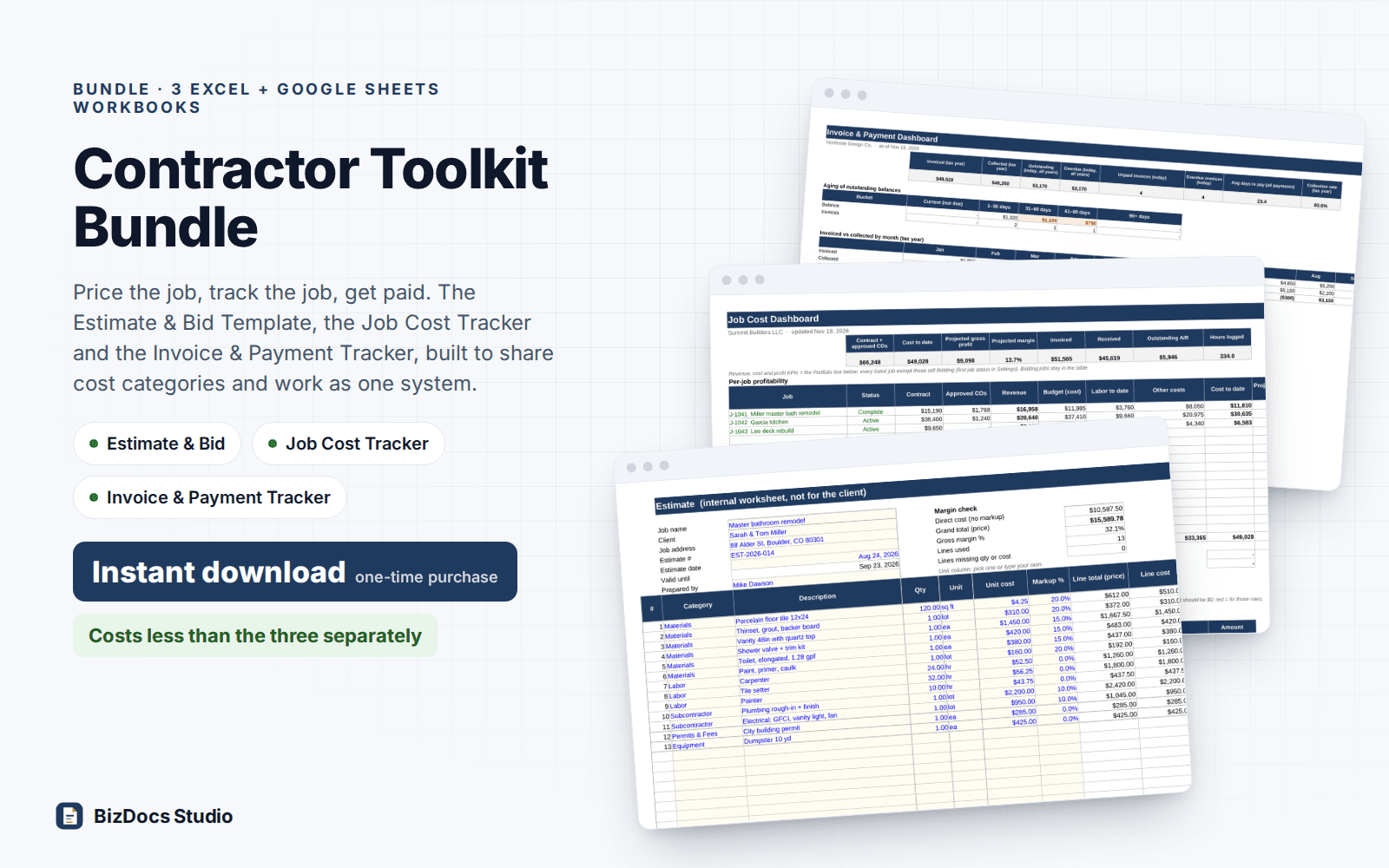
Template for this guide: Job costing spreadsheet (Excel & Google Sheets, $13 one-time).
Set up cost codes
Pick 8 to 15 cost codes that match how you estimate: demolition, framing, plumbing, electrical, drywall, finishes, subcontractors, equipment, permits, cleanup. Use the same codes in every estimate and every receipt.
Budget each job from the estimate
Copy the estimate's direct cost by code into the job budget. Add the contract price as revenue. Your target margin is the gap between them.
Log actual costs as they happen
- Labor: date, worker, job, hours; cost = hours × loaded rate
- Materials and receipts: date, vendor, job, cost code, amount
- Subcontractor invoices against their quoted amounts
- Equipment rentals and job-specific fees
Compare each job's budget with what you actually spend, by cost code, while the job is still running.
Change orders go in twice
An approved change order adds to the budget (its direct cost) and to revenue (its price). If you only add the cost, a profitable change looks like an overrun.
Read the numbers weekly
| Signal | What it means |
|---|---|
| Labor hours ahead of % complete | Productivity problem or underestimated scope |
| Materials over budget early | Waste, price increase or missed quantity |
| Margin below target | Act now: change order, scope review or schedule |
| Billed less than % complete | Cash flow risk: invoice the next milestone |
A spreadsheet or software?
Below roughly ten concurrent jobs a spreadsheet is faster than most software. Our job cost tracker uses your cost codes, a time log with loaded rates, a receipts log, change orders and billing, and a dashboard that flags any job under your target margin.
Percent complete and earned value, simply
To know if a job is on track, compare cost to date with work done. If a job is 50% complete and has used 70% of its labor budget, it will overrun unless something changes. Estimate percent complete by phase (demo done, rough-in done, drywall 60%) and compare it with budget used for each cost code.
| Cost code | Budget | Actual | % used | % complete |
|---|---|---|---|---|
| Demolition | $1,150 | $1,080 | 94% | 100% |
| Tile labor | $1,400 | $1,120 | 80% | 50% |
| Materials | $3,820 | $3,410 | 89% | 85% |
Tile labor is the problem line: 80% used for 50% done. That is the conversation to have with the crew this week, not after the job closes.
Using job costing to estimate better
Every finished job is data. Compare estimated hours with actual hours by cost code across ten jobs and you will see which tasks you consistently under- or over-estimate. Update your estimating rates with those numbers; this feedback loop is where job costing pays for itself.
Minimum habits
- Crew logs hours by job and cost code daily
- Receipts tagged with job and cost code the day they are paid
- Change orders entered when signed
- Weekly 15-minute review of every open job
- Close-out review: estimate vs actual, lessons for the next bid
Worked example: a job that looks fine and is not
These are the numbers of one job in the sample data of our job cost tracker, a kitchen remodel that is about 82% complete.
| Line | Amount |
|---|---|
| Contract value | $38,400 |
| Approved change orders | $1,240 |
| Revenue | $39,640 |
| Budget (cost) | $37,410 |
| Cost to date | $30,635 |
| Revenue minus cost to date | $9,005 |
| Projected gross profit (revenue minus the larger of budget and cost to date) | $2,230 |
| Projected margin | 5.6% |
Revenue minus cost to date says this job has made $9,005. It has not: the unfinished work still has to be paid for. Measured against the budget, the job is heading for a 5.6% margin against a 30% target, and that is visible while there is still time to act.
Use a loaded labor rate
An hour of labor costs more than the wage. Payroll taxes, workers' compensation, benefits and paid time off sit on top of it, and a job costed at the bare wage always looks better than it is.
Hourly wage: $30.00
Burden (payroll taxes, workers' comp, benefits): 25%
Loaded rate: $30.00 x 1.25 = $37.50
An eight-hour day costs the job $300, not $240
Work out the burden percentage once a year from your own payroll and insurance costs, per worker if their costs differ.
Over-billed and under-billed
Compare what you have invoiced with what you have earned. Earned revenue is the job's revenue multiplied by its percent complete.
- Invoiced more than earned: over-billed. You are holding the client's money for work not yet done
- Invoiced less than earned: under-billed. You are financing the job
- In the sample job above, earned to date is $32,461 and invoiced is $31,712, so the job is under-billed by $749
A small gap either way is normal. A growing under-billing is a cash problem that will not show on a profit report.
Frequently asked questions
What is job costing in construction?
Recording every labor hour, material, subcontractor and equipment cost against the job and cost code it belongs to, then comparing it to the job's budget and revenue.
How do I calculate job profit margin?
Margin = (revenue − total job cost) ÷ revenue. Include approved change orders in revenue and their direct cost in job cost.
Can I do job costing in Google Sheets?
Yes. Our template works in Excel and Google Sheets with the same formulas.
What is a loaded labor rate?
The hourly wage plus the costs that come with it: payroll taxes, workers' compensation, benefits and paid time off. A $30 wage with a 25% burden is a $37.50 loaded rate, and that is the figure to use when costing hours to a job.
What does over-billed or under-billed mean?
It compares what you have invoiced with what you have earned, where earned is revenue times percent complete. Over-billed means you invoiced ahead of the work; under-billed means you have done work you have not yet invoiced, so you are carrying the job's costs.
This guide is general information for US small businesses, not legal, tax or financial advice. Tax rules and rates change every year and vary by state; confirm figures with a tax professional before you file or rely on them.
Compare each job's budget with what you actually spend, by cost code, while the job is still running.