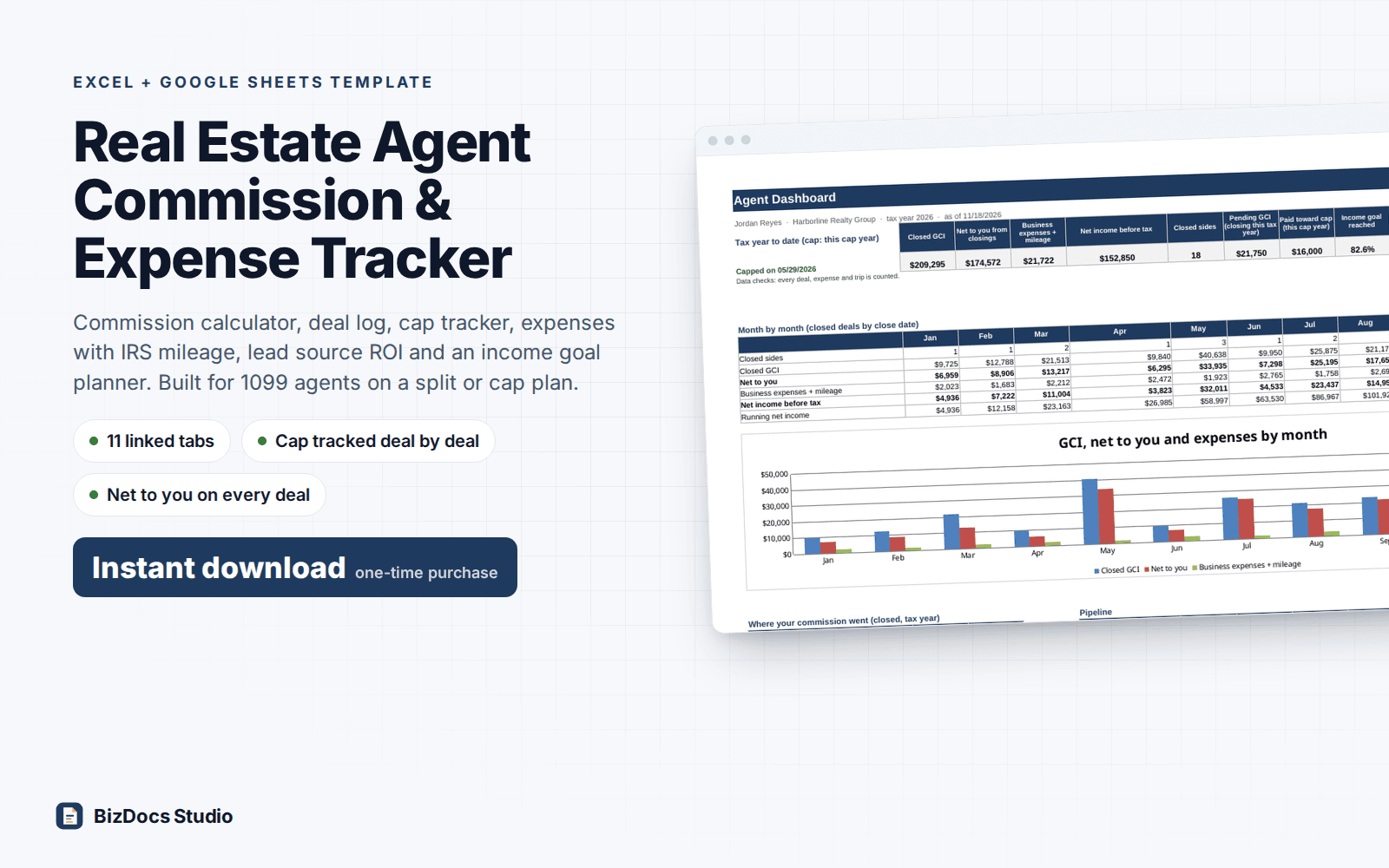
Real Estate Agent Commission & Expense Tracker for Excel and Google Sheets
Real Estate Commission Calculator & Agent Expense Tracker
See what every deal really pays you after referral, split, cap and fees, and track your expenses, mileage and income goal in the same file.
- Instant download · Excel workbook (.xlsx), opens in Google Sheets
- 14-day refund, no questions asked
- Personal and business use license
- Free updates to this version
Works with
- Microsoft Excel 2010 or newer
- Google Sheets (File > Import)
- Excel for Mac
- No macros, no add-ins
Made for: Real estate agents paid as 1099 independent contractors, Agents on a cap plan (80/20, 85/15 and similar) or a straight percent split, Team members who split with a team lead, New agents building a first business plan.
11 tabs, one linked system
A real estate commission calculator and expense tracker for 1099 agents. See what a deal pays you after referral fee, brokerage split, cap and transaction fees, then log every deal from active to closed and the workbook applies your split until the cap is paid. Expenses and IRS mileage are tracked by category, a goal planner works back from your income goal to the leads you need, and lead source ROI shows which marketing pays. Excel and Google Sheets.
- 1
Start Here
What each tab does, the order the commission math runs in, the color legend, Google Sheets steps and the not-tax-advice note.
- 2
Dashboard
Tax-year KPIs (closed GCI, net to you, expenses, net income, closed sides, pending GCI closing this tax year, goal %) plus split paid toward your cap in the current cap year, a data check line that counts every deal, expense, trip, setting or input that is left out of the totals or needs fixing and names the tab to look at, a month-by-month table with chart, where every commission dollar went, pipeline by status, and cap, goal and tax set-aside.
- 3
Settings
Brokerage plan (percent split, or cap model with your share before and after cap, annual cap and cap anniversary date), transaction fee before and after cap, E&O fee, franchise or royalty % with its annual cap, default referral %, team split, income goal, tax set-aside %, dated IRS mileage rates, 19 expense categories and 12 lead sources (all editable). A check line at the top names any setting typed as text, left blank where the plan needs it, not on its list or out of range, and says what the workbook does with it.
- 4
Calculator
Test an offer: price, rate per side or flat fee, Listing, Buyer or Both, concessions, referral, team lead, other costs. Prints a one-page commission breakdown with cap status and the same deal before cap side by side. An input typed as text, missing, not on its list or out of range turns red and is explained beside the breakdown, off the printed page.
- 5
Transactions
200 rows: status (Active, Pending, Closed, Fell through), close date, address, client, side, lead source, price, rate or flat fee, concessions, referral, team lead, other costs and notes. GCI, referral fee, team share, brokerage split, fees and net to you calculate; the deal that hits your cap is flagged. A row with a missing or unlisted status or side, a missing close date or one typed as text, a number typed as text or out of range, no price or no commission is flagged in red and left out of every total until you fix it.
- 6
Cap Tracker
Current cap year: cap paid on closed deals, remaining, progress bar, the date you capped, what pending deals would add, royalty paid against its cap, and a 12-month table with running total and chart (a cap year that starts mid-month shows each period's real dates).
- 7
Expenses
500 rows: date, vendor, description, category dropdown, amount, business %, business share, optional lead source tag for marketing spend, payment reference. A row with its date or amount missing or typed as text, or a business % outside 0% to 100%, is flagged and left out of every total; a category or lead source that is blank or not on Settings turns red.
- 8
Mileage
600 rows: date, route, purpose, client or property, miles. The rate comes from the dated IRS table on Settings, so trips on each side of a mid-year rate change are both right. A trip with its date or miles missing or typed as text, or dated before every rate, is flagged and left out of every total.
- 9
Expense Summary
Spending by category and month for the tax year, business share, optional annual budget per category with over-budget flag, mileage deduction and totals. A budget typed as text or below 0 is flagged and left out.
- 10
Goal Planner
Works back from your net income goal and planned expenses to the commission, GCI, closed sides, listings, appointments and leads you need, using your averages and conversion rates and allowing for your cap and royalty cap. Pace check against the year so far.
- 11
Lead Sources
Per source for the tax year: leads (you count), marketing spend, referral fees paid, closed deals and sides, GCI, net to you, pending GCI closing in the tax year, lead-to-closing rate, cost per closed deal and net per $1 of spend. A line for deals and spend whose source is blank or not on the list keeps the totals equal to the Dashboard; a lead count typed as text or below 0 is flagged and left out.
What you can count on
- Commission math in the order brokerages pay it: concessions and referral off the top, then split, then transaction, E&O and royalty fees
- Cap model handled deal by deal in close-date order, with anniversary cap years, the exact amount left on the deal that crosses the cap, and post-cap fees after it
- Royalty or franchise fee with its own annual cap, team share before or after the split, flat-fee and dual (Both) deals
- Commission calculator prints a one-page breakdown and shows what the same deal would pay before cap
- Goal planner turns your income goal into GCI, sides, appointments and leads, and accounts for your cap
- Lead source ROI counts portal referral fees as a cost, not just ad spend
- Mileage uses the IRS rate in effect on each trip date (two rates in 2026)
- Sample agent year with 17 closings and a cap reached in May; 10,000+ formulas, all visible and editable, sample results re-checked to the cent
Last updated November 20, 2026. Buyers get updates to this version free, by email.
Before you buy
Does it work in Google Sheets?
Yes. Open Google Sheets, File > Import > Upload the .xlsx. Formulas, dropdowns, conditional formatting and charts carry over. Every formula uses functions that work in both Excel 2010+ and Google Sheets; there are no macros.
Will it match my brokerage's plan?
It handles a straight percent split, or a cap model with your share before and after cap, an annual cap, a cap year that starts on your anniversary date, a different transaction fee after cap, an E&O fee per closing, a royalty or franchise % with its own annual cap, referral fees and a team share before or after the split. A 100% or flat-fee brokerage works too (choose Percent split and set your share to 100%). Graduated splits that step up at GCI thresholds are not built in.
Can I change the categories and lead sources?
Yes. The 19 expense categories and 12 lead sources live on the Settings tab and feed every dropdown and summary. Rename, add or remove them. Nothing is locked or hidden; small grey helper columns are labelled.
Is this tax advice?
No. It is a planning and record-keeping tool. The tax set-aside uses a flat % you choose and the business share of expenses is an estimate. Your brokerage's commission disbursement authorization and the settlement statement are final for each deal; confirm deductions and estimated taxes with your tax professional.
What about the mileage rate?
You enter the IRS standard mileage rate with the date it starts, in any order. Each trip uses the rate in effect on its date, so a mid-year change like 2026's (72.5 cents to 76 cents on July 1) is handled. Check irs.gov each year and add a row.
How do I get the file?
Instantly after payment: a download page opens and the link is also emailed to you. Lost it? Email us and we resend it.
What if it is not what I need?
Email us within 14 days and we refund you. No forms, no questions.
Learn before you fill it in
More templates for small business
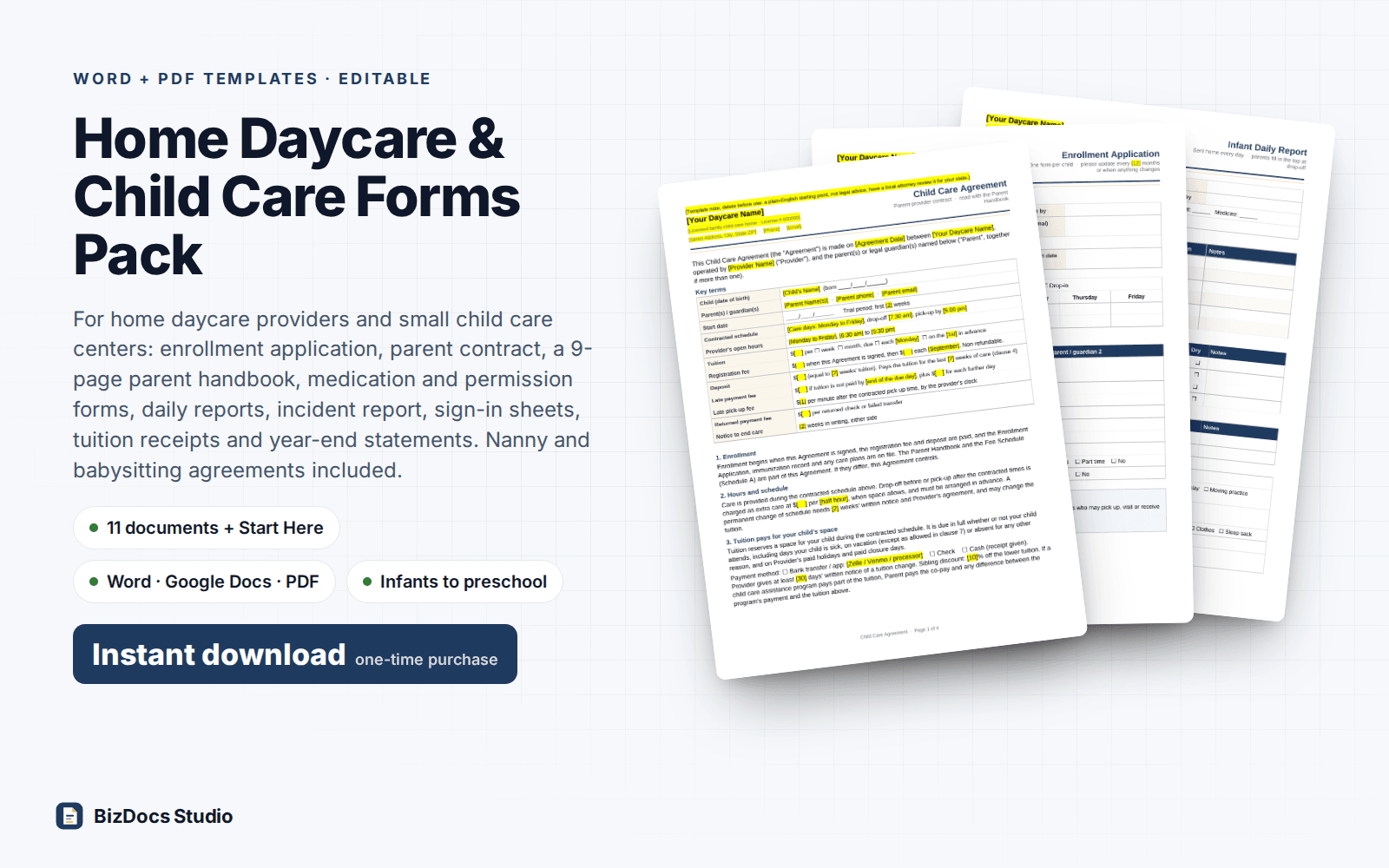
Home Daycare & Child Care Forms Pack
Daycare contract, enrollment application, parent handbook and the everyday forms for a home daycare or small center.
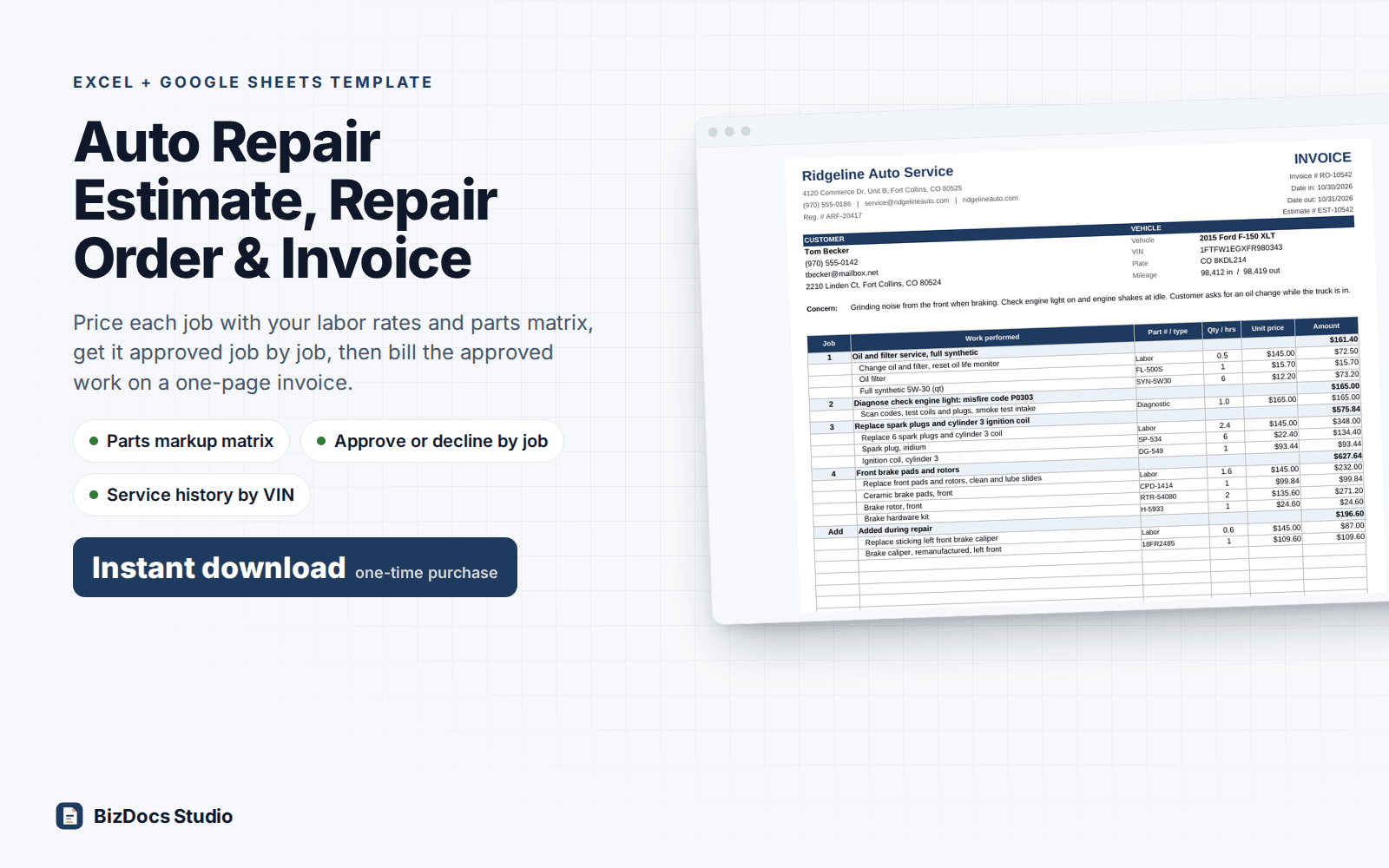
Auto Repair Estimate, Repair Order & Invoice Template
Price each job with your labor rates and parts markup matrix, get it approved job by job, then bill the approved work on a one-page invoice.
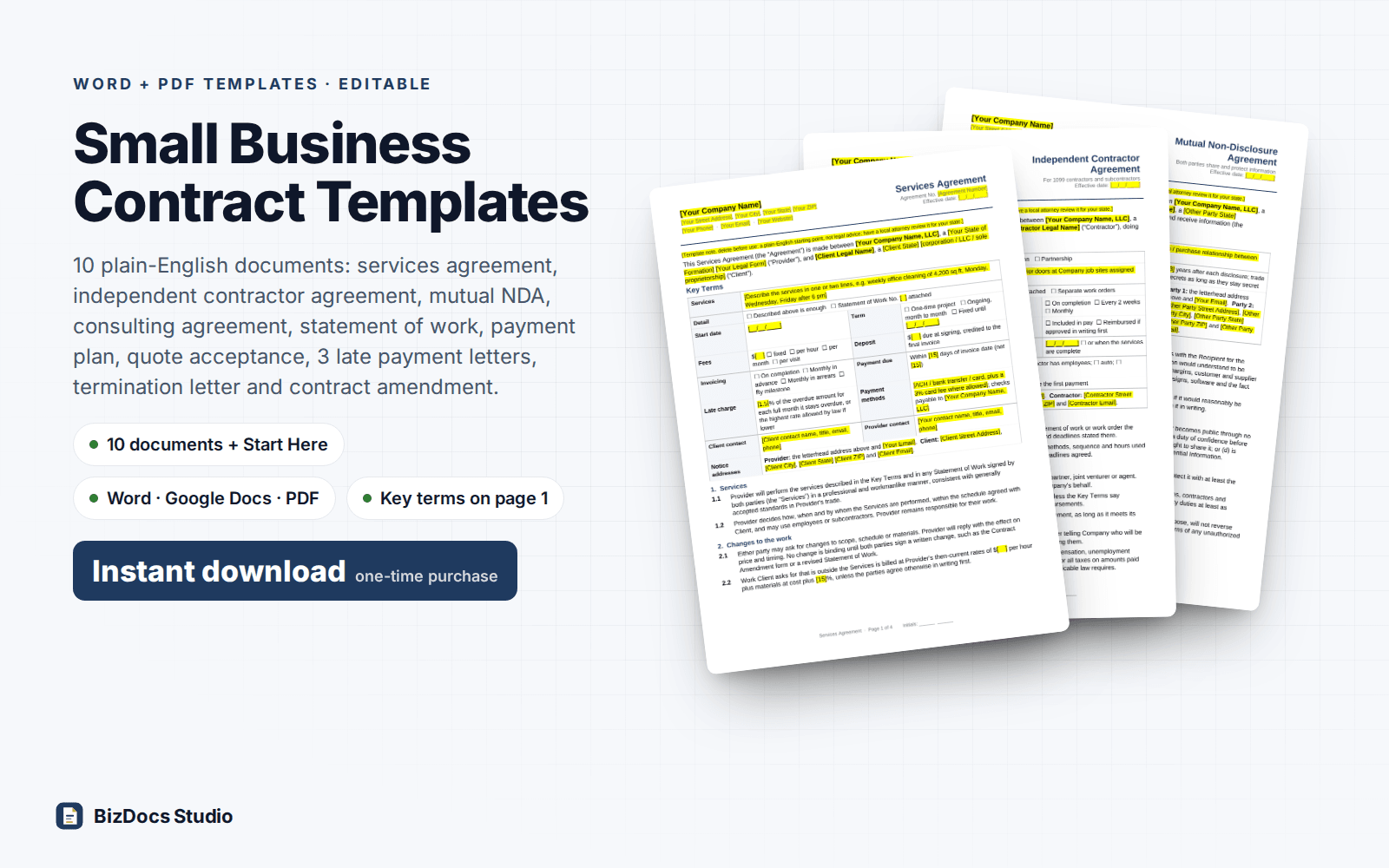
Small Business Contract Templates Pack
Services, contractor, NDA and consulting agreements, plus a payment plan and late payment letters.
Real Estate Agent Commission & Expense Tracker
$15 one-time · instant download · 14-day refund