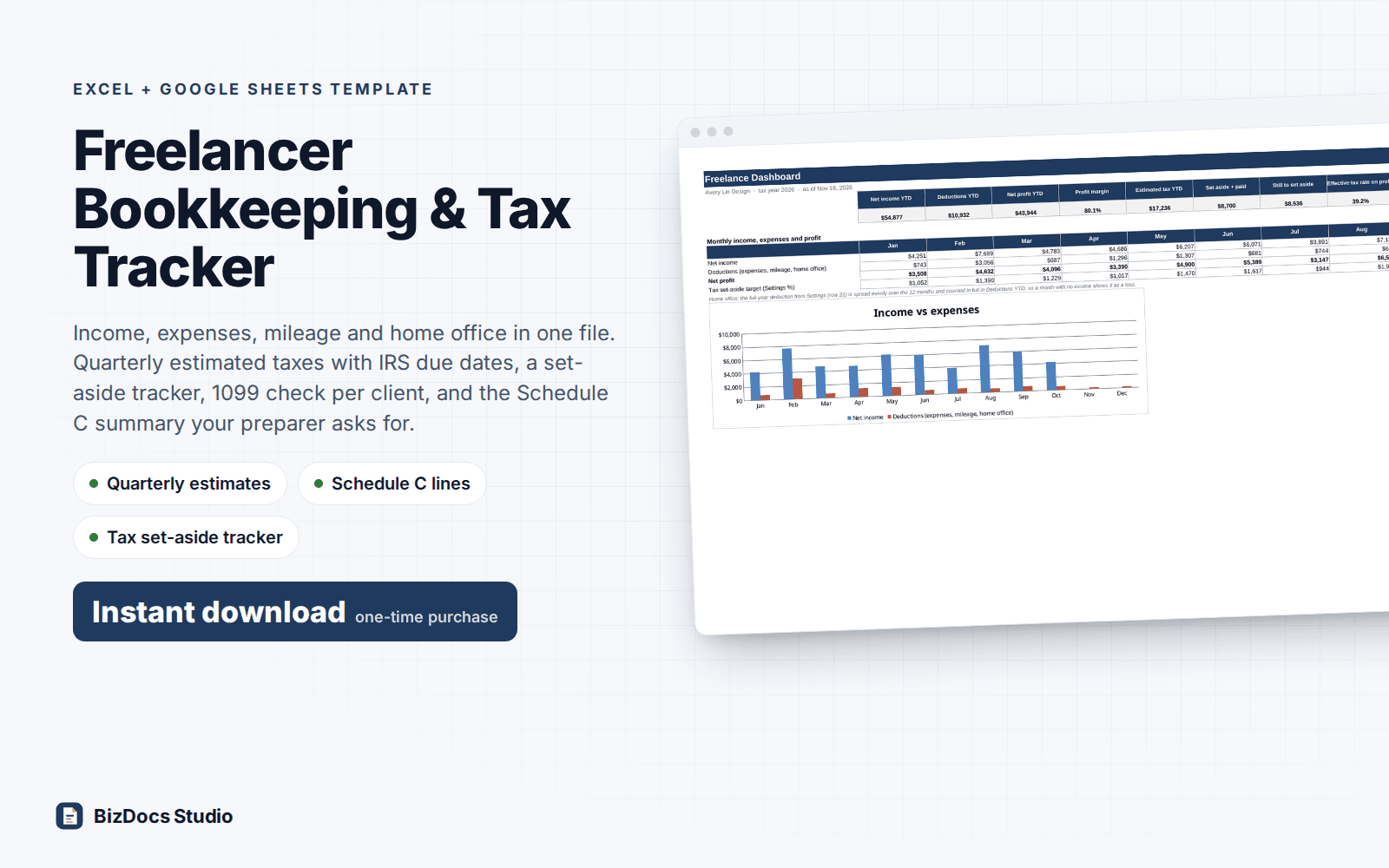
Freelancer Bookkeeping & Tax Tracker for Excel and Google Sheets
Freelancer Bookkeeping & Tax Tracker
Income, expenses, mileage and estimated quarterly tax for a freelancer, sorted by Schedule C line.
- Instant download · Excel workbook (.xlsx), opens in Google Sheets
- 14-day refund, no questions asked
- Personal and business use license
- Free updates to this version
Works with
- Microsoft Excel 2010 or newer
- Google Sheets (File > Import)
- Excel for Mac
- No macros, no add-ins
Made for: Freelancers and consultants filing Schedule C, Designers, developers, writers, photographers, Side-hustlers with 1099 income, Anyone who got surprised by a tax bill last April.
7 tabs, one linked system
A self-employed expense spreadsheet and quarterly tax tracker for freelancers, contractors and 1099 workers. Log income and expenses; categories follow Schedule C, mileage and home office are calculated, and each quarter shows net profit, self-employment tax and a suggested estimated payment. Excel and Google Sheets.
- 1
Settings
Name, tax year, flat federal (22% in the sample) and state (5%) rates, SE tax of 15.3% with the 92.35% factor, a dated IRS mileage rate table (70 cents for 2025; 72.5 cents from January 1 and 76 cents from July 1, 2026), home office inputs and a 30% savings target. Shows the regular home office deduction next to the simplified one, with a Regular or Simplified switch that picks which one is deducted. The simplified rate ($5 per sq ft) and cap (300 sq ft) and the 1099-NEC threshold ($2,000 for 2026 payments; $600 for 2025 and earlier) are typed inputs, labelled to confirm for your tax year. Holds 20 expense categories with their Schedule C line, 5 income types and 6 payment methods, each list with blank rows for your own, and marks which 1099 form each payment method falls under (1099-NEC or 1099-K). Red counts flag categories or payment methods listed twice and a 1099 form that is blank or not on the list, and red messages next to the inputs name a number stored as text (it counts as 0), a tax year that is not a year, a rate below 0% or above 100%, blank, negative or impossible home office square feet or costs, a home office method that is blank or not on the list (Regular is then used), a blank or 0 simplified rate or maximum when Simplified is picked, and a blank or 0 1099-NEC threshold.
- 2
Income
300 rows, one per payment: date, client, description, income type and payment method from dropdowns, gross amount and platform fee. Net received is gross minus the fee. Gross, fees and net of the tax-year rows are totaled at the top of the tab, with check cells that turn red when a row has no date, a date stored as text or a date outside the tax year (those rows are left out of every total), when a payment method is blank or not on Settings, when a method is listed twice or its form is blank or not on the list on Settings, and when a gross amount or fee is stored as text (it counts as 0 everywhere) or a fee is typed with no gross amount. The sample's 45 payments total $56,035 gross and $1,158.50 in fees.
- 3
Expenses
500 rows: date, vendor, description, category from a dropdown of the Settings categories that rejects other entries, amount, business-use % (0% to 100%) and receipt reference. Deductible amount is the amount times business-use %, or the full amount when the % is blank; a % stored as text deducts nothing and one outside 0% to 100% is capped. Spent and deductible totals of the tax-year rows sit at the top of the tab, and check cells flag rows with no date, a date stored as text or a date outside the tax year, any amount under a category that is not on Settings, a category listed twice on Settings, amounts or percentages stored as text, and a business-use % outside 0% to 100%. The sample enters 60% for home internet, 50% for the mobile bill and 50% on meals.
- 4
Mileage
300 trips with the details the IRS asks for: date, from and to, business purpose and miles to one decimal. Each trip's deduction is miles times the IRS standard rate in effect on the trip's date, from the dated table on Settings; a trip with no rate for its date (including a date stored as text), or under a table row with no rate typed, shows No rate and is counted in a red check, and miles stored as text get no deduction and are counted in another. The sample's 25 trips add up to 348 miles, a $257.20 deduction at 72.5 cents a mile to June 30 and 76 cents from July 1.
- 5
Quarterly
Columns for the uneven IRS periods (Jan to Mar, Apr to May, Jun to Aug, Sep to Dec) with due dates of April 15, June 15, September 15 and January 15, built from the tax year on Settings. Per period: net income, expenses, mileage, prorated home office, net profit, SE tax, half-SE deduction, federal and state estimates and the total to set aside. Each period's tax is the tax on profit from January 1 to the end of that period minus what earlier periods already show, so a loss period lowers later ones. A tracker subtracts what you paid and saved; a shortfall turns red, and a count turns red if a due date or an amount you typed there is stored as text (it is not counted).
- 6
Dashboard
KPI strip: net income, deductions, net profit, margin, estimated tax, set aside plus paid, still to set aside and effective rate. A 12-month table with a column chart. A Schedule C summary from gross receipts (line 1) to net profit (line 31), with a line for expenses whose category is not on Settings and two check lines that turn red when line 31 differs from the KPI net profit or when log rows or text amounts are left out; a category listed twice on Settings is summed once. The top 6 expense categories, and set-aside progress with the next IRS due date.
- 7
Clients
30 client rows, 8 filled in the sample, with names that must match the Income log. For each client: gross paid in the tax year, net received, number of payments and an Expect 1099 flag. It reads Yes (1099-NEC) when payments by methods marked 1099-NEC on Settings (bank transfer, check, cash) reach the threshold on Settings, and No: card/platform when the total reaches it but payments by 1099-NEC methods do not: the card processor or platform may report those on Form 1099-K, so the client does not send a 1099-NEC for them. A payment with no method is left out of the 1099-NEC test. Check lines turn red when tax-year income is not matched to a client row and when a client name is listed twice (a repeated name is counted on its first row only). Notes mark Upwork and Gumroad as platforms that may issue a 1099-K.
What you can count on
- Expense categories mapped to Schedule C lines 8 to 27b, with the line number shown next to each of the 20 categories
- Business-use % per expense; meals at 50% handled by entering 50%, and the deductible amount follows
- Mileage log in the format the IRS expects (date, route, purpose, miles), deduction automatic at the IRS rate in effect on each trip's date
- Home office: regular method vs simplified side by side; the method you pick flows into the quarterly totals and the Schedule C summary
- Quarterly estimates with uneven IRS quarters and due dates that follow the tax year; income and expenses come from each quarter's own months, and the tax is figured on profit to date so a loss quarter is not ignored
- Set-aside tracker shows the gap between tax owed and money parked, in red when you are short
- Sample freelance designer's year: 45 payments, 66 expenses and 25 trips from January to October, ending in a $43,944 net profit
- 2,600+ formulas (2,613), all visible and editable; sample totals verified to the cent against the raw rows
Last updated November 20, 2026. Buyers get updates to this version free, by email.
Before you buy
Will this calculate my exact taxes?
No. It estimates with flat rates you enter (federal, state, SE) so you can set money aside each quarter. Your actual return depends on deductions, credits, other income and filing status; your preparer or IRS Form 1040-ES gives the final number.
Does it work in Google Sheets?
Yes. File > Import > Upload the .xlsx. Dropdowns, conditional formatting and the chart carry over. All formulas are Sheets-compatible; no macros. The file was tested in Google Sheets, including the red shortfall cells and the chart.
Is it US-only?
The categories follow US Schedule C and the quarterly dates are IRS dates. Categories, rates and thresholds are editable, and you can type over the due dates; the quarter month ranges are written into the Quarterly formulas.
How do I handle an LLC or S-corp?
Single-member LLCs taxed as sole proprietors use it as-is. S-corp owners can still track income and expenses but should set the SE rate to 0 and talk to their preparer about payroll.
How is the quarterly set-aside worked out?
Net profit from January 1 to the end of the quarter, if positive, times 92.35% times 15.3% gives SE tax to date. Half of that is subtracted from profit to date, and the federal and state rates are applied flat to the rest. Each quarter shows that tax to date minus what earlier quarters already show. Sample Q1: $12,236 profit, $1,729 SE tax, $4,799 to set aside. Brackets, the standard deduction and the Social Security wage cap are not applied.
Which home office method does it use?
The one you pick on Settings. The regular method is the office share of the home's square feet times annual home costs; the simplified method is the rate per sq ft times your office sq ft, up to the cap. The sample's 160 of 1,400 sq ft gives $2,811 under the regular method, against $800 under the simplified method; the sample uses Regular. The amount is spread across the quarters by month. Whether you qualify is your preparer's call.
What happens when a log fills up?
Income holds 300 payments, Expenses 500 and Mileage 300; the sample uses 45, 66 and 25 over ten months. Rows dated in a year other than the tax year on Settings are flagged and left out of every total, so keep one file per tax year: save a copy in January, clear the logs, change the tax year and keep Settings and the client list.
Does it connect to my bank, Stripe or accounting software?
No. There is no bank feed, import or sync; you type or paste each payment and receipt. It is a record-keeping tool that sorts your numbers by Schedule C line. It does not file anything or give tax advice, and your accountant decides what is deductible and what you owe.
What if it is not what I need?
Email us within 14 days and we refund you. No forms, no questions.
Learn before you fill it in
More templates for small business
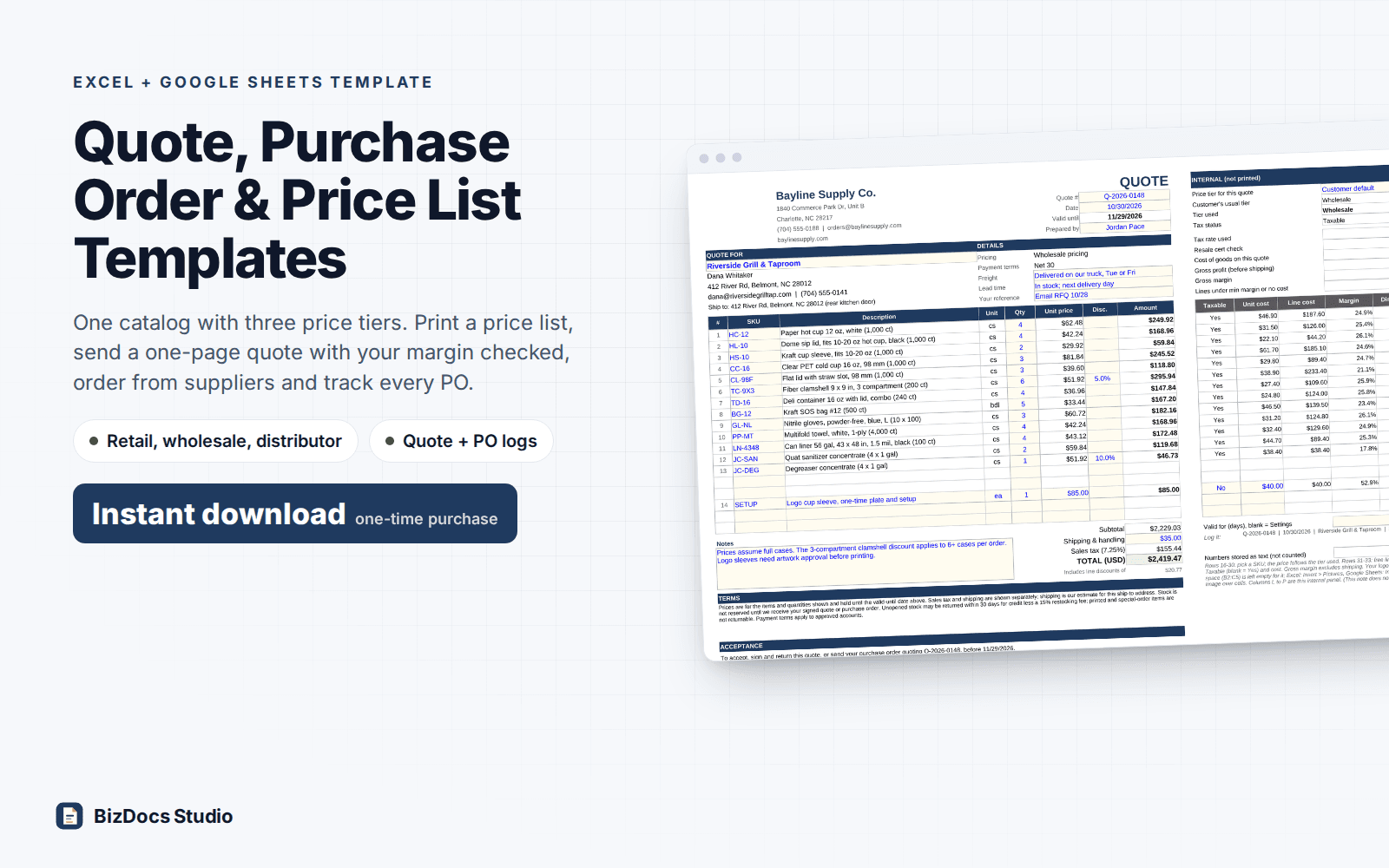
Quote, Purchase Order & Price List Templates
Quote from your own price list, check your margin before you send it, and track every purchase order until the last case arrives.
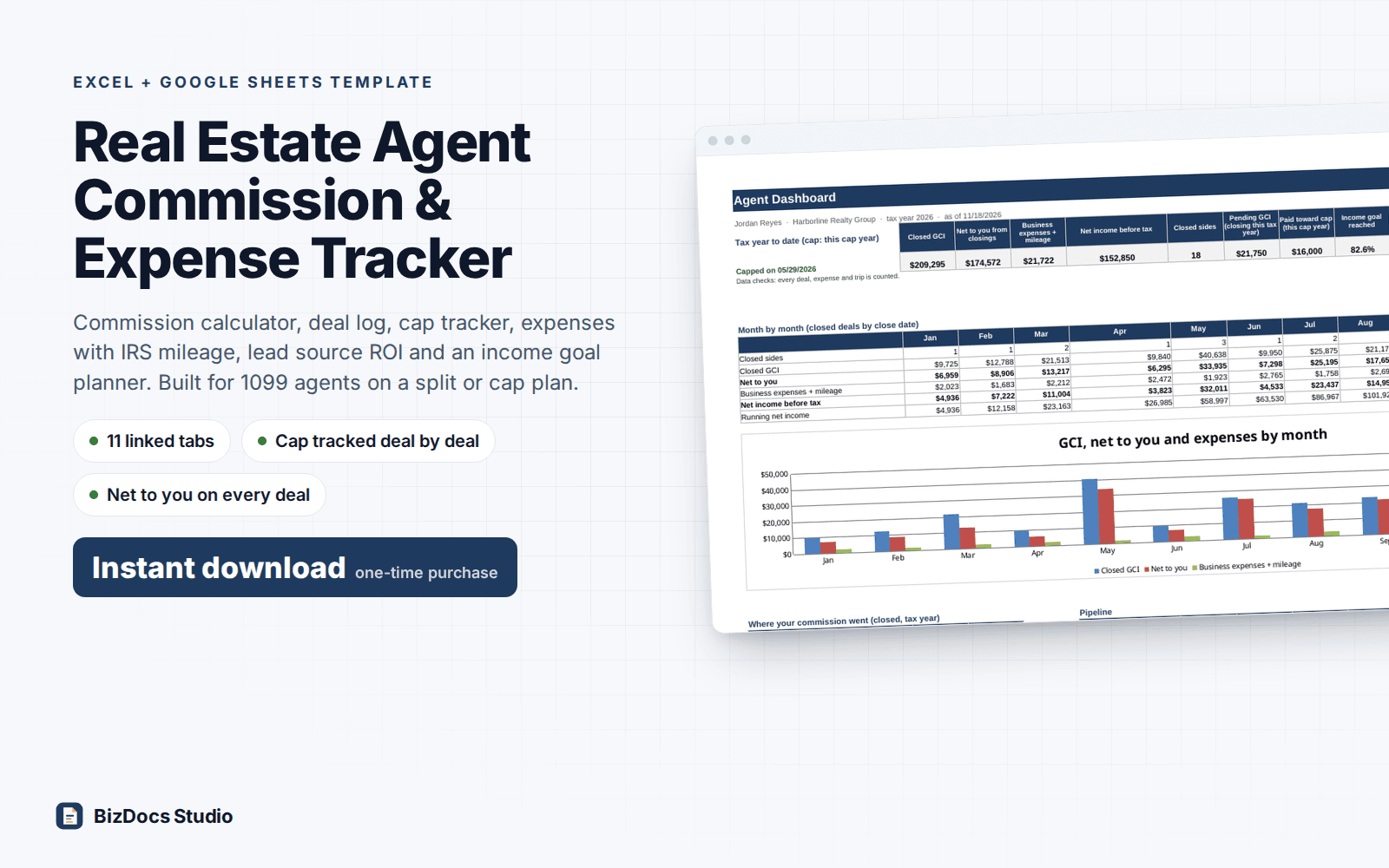
Real Estate Agent Commission & Expense Tracker
See what every deal really pays you after referral, split, cap and fees, and track your expenses, mileage and income goal in the same file.
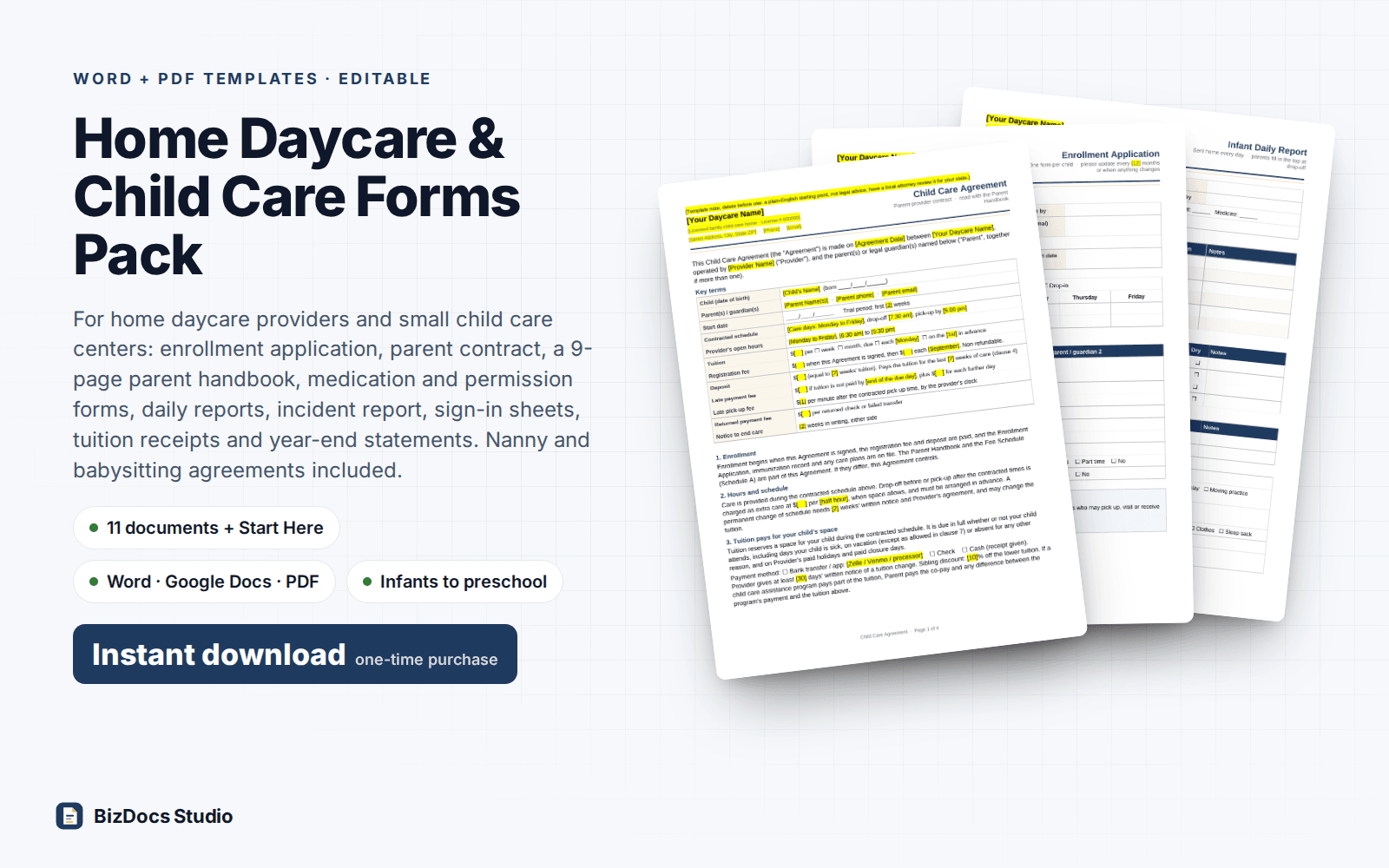
Home Daycare & Child Care Forms Pack
Daycare contract, enrollment application, parent handbook and the everyday forms for a home daycare or small center.
Freelancer Bookkeeping & Tax Tracker
$9 one-time · instant download · 14-day refund