Mileage Log & Tax Deduction Tracker for Excel and Google Sheets
Mileage Log & Tax Deduction Tracker
Log each business trip once. Every trip gets the IRS rate in effect on its date, parking and tolls are added, and it all totals by month and by vehicle.
- Instant download · Excel workbook (.xlsx), opens in Google Sheets
- 14-day refund, no questions asked
- Personal and business use license
- Free updates to this version
Works with
- Microsoft Excel (tested in Excel for the web)
- Google Sheets (File > Import)
- No macros, no add-ins
Made for: Self-employed people and 1099 contractors who drive for work, Gig and delivery drivers who log business miles, Real estate agents, sales reps and home-service pros on the road, Employees who report mileage to an employer for reimbursement.
5 tabs, one linked system
A mileage log spreadsheet for self-employed people, 1099 contractors and anyone who drives for work. Log each business trip with its date, route, purpose and miles or odometer readings; the workbook applies the IRS standard mileage rate in effect on each trip's date, adds parking and tolls, and totals the deduction by month and by vehicle, with a business-use percentage from your odometer readings. Excel and Google Sheets.
- 1
Start Here
Quick start in six steps, what the colours mean, how the dated rate works, notes on parking and tolls and on employees (both from IRS Tax Topic 510), how to start a new tax year, and how to print.
- 2
Settings
Tax year, your name or business, up to 5 vehicles with their odometer reading on January 1 and December 31, and a dated IRS rate table that ships with $0.700 for 2025, $0.725 from January 1, 2026 and $0.760 from July 1, 2026, with empty rows to add next year's rate. A trip uses the latest rate that starts on or before its date in the same calendar year, so a trip in a year with no rate entered is flagged instead of getting last year's rate. Red messages name a rate typed in cents (76 instead of 0.76), a start date listed twice, a rate row with its date or rate missing, a tax year that is not a 4-digit year, a vehicle listed twice, a reading that is not a number and a December 31 reading below January 1.
- 3
Trip Log
600 rows, one per business trip: date, vehicle (dropdown of your Settings vehicles), from, to, business purpose, client or job, odometer start and end, miles, and parking and tolls. Type the miles or fill both odometer cells and leave miles blank. The file shows miles used, the IRS rate for the trip's date, the mileage deduction (miles times rate, to the cent) and the trip total with parking and tolls. A Check column explains any row that is left out of the totals: date missing or stored as text, a date in another year, an odometer or miles value that is not a number or below 0, odometer end below start, miles that differ from the odometer readings by more than 0.05, parking that is not a number, a vehicle not on Settings, or no IRS rate for the date. A line at the top turns green when every trip is counted and red with the count when any is not.
- 4
Summary
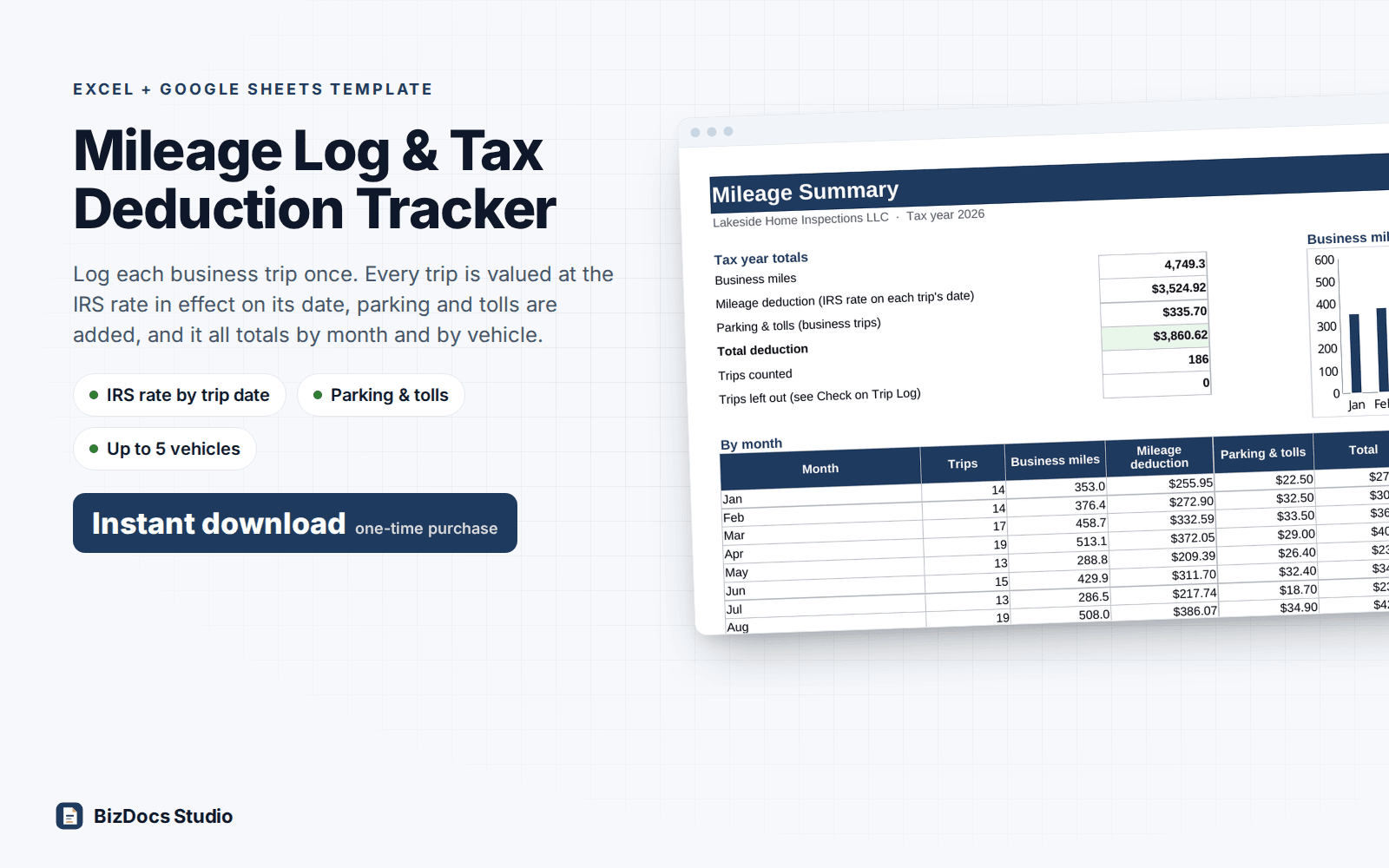
Tax-year totals (business miles, mileage deduction, parking and tolls, total deduction, trips counted and trips left out), a 12-month table with a column chart of business miles, and a by-vehicle table with trips, business miles, deduction, odometer readings, total miles driven and business-use percentage. Trips with no vehicle picked have their own line, so the vehicle table adds up to the totals. Seven check lines that should all read 0 turn red when they do not.
- 5
Paper Log
A blank one-page form (as shipped) with 26 rows for date, from, to, business purpose, odometer start and end, miles and parking and tolls, plus name, vehicle, month and starting odometer lines. Print it, keep it in the car, and copy the rows into the Trip Log at month end.
What you can count on
- Each trip gets the IRS rate in effect on its own date: 72.5 cents to June 30, 2026 and 76 cents from July 1, 2026, with room to add next year's rate when the IRS announces it
- Type miles or odometer readings; if you fill both, the file checks that they agree
- Parking and tolls for business trips are totaled separately, on top of the mileage deduction
- Up to 5 vehicles, with business-use percentage from your January 1 and December 31 odometer readings
- A Check column on every row says exactly why a trip is not counted, so nothing drops out of your totals without a red flag
- Sample year for a home inspector: 186 trips in two vehicles, 4,749.3 business miles, a $3,524.92 mileage deduction plus $335.70 in parking and tolls, $3,860.62 in all
- 6,776 formulas, all visible and editable, no macros; tested in Excel for the web and Google Sheets
Last updated November 19, 2026. Buyers get updates to this version free, by email.
Before you buy
Which mileage rates does it use?
The rates are in a table on the Settings tab that you can edit. It ships with the IRS business rates from irs.gov: $0.700 for 2025, $0.725 from January 1, 2026 and $0.760 from July 1, 2026. The IRS usually announces next year's rate in December; add it in an empty row when it is out. Until then, trips in that year are flagged rather than given an old rate.
Can I deduct parking and tolls too?
IRS Tax Topic 510 says parking fees and tolls for business use are deductible separately, whether you use the standard mileage rate or actual expenses. Enter them per trip; the Summary totals them next to the mileage deduction.
I am an employee. Can I use this?
You can use it to log trips and report them to an employer who reimburses mileage. For your own taxes, IRS Tax Topic 510 says most employees cannot deduct unreimbursed car expenses; ask your tax professional about your situation.
Does it work in Google Sheets?
Yes. Open Google Sheets, File > Import > Upload the .xlsx. The file was checked in Google Sheets, where every formula gave the same result as our reference, and opened and checked in Excel for the web. There are no macros.
What about next year?
Save a copy of the file, change the tax year on Settings, delete the old trips and update the odometer readings. Trips dated in a year other than the one on Settings are flagged and left out of the totals.
Is this tax advice?
No. It is a record-keeping tool. Confirm the rates and rules for your situation on irs.gov or with your tax professional.
How do I get the file?
Instantly after payment: a download page opens and the link is also emailed to you. Lost it? Email us and we resend it.
What if it is not what I need?
Email us within 14 days and we refund you. No forms, no questions.
Learn before you fill it in
More templates for small business
Small Business Contract Templates Pack
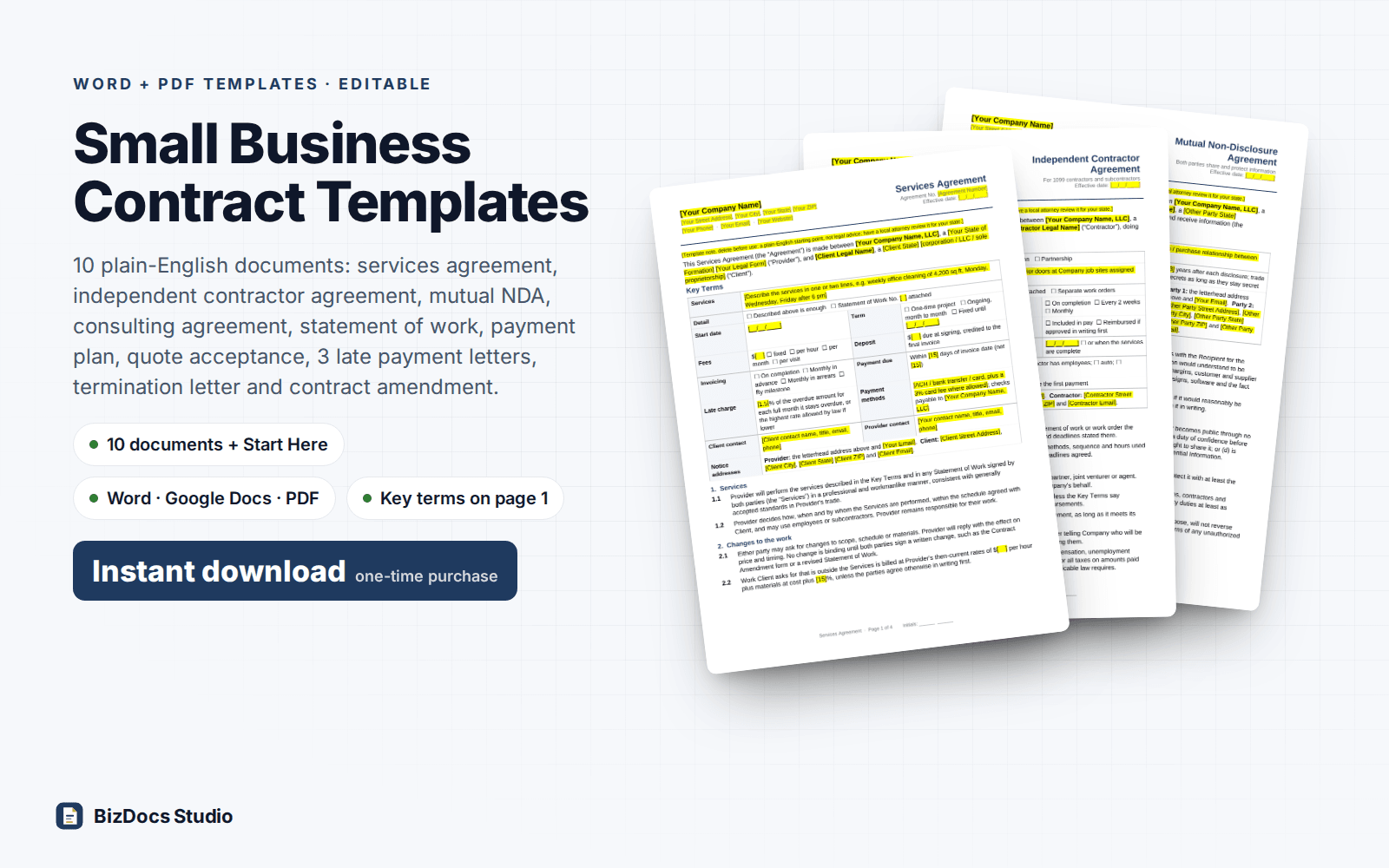
Services, contractor, NDA and consulting agreements, plus a payment plan and late payment letters.
Invoice & Payment Tracker
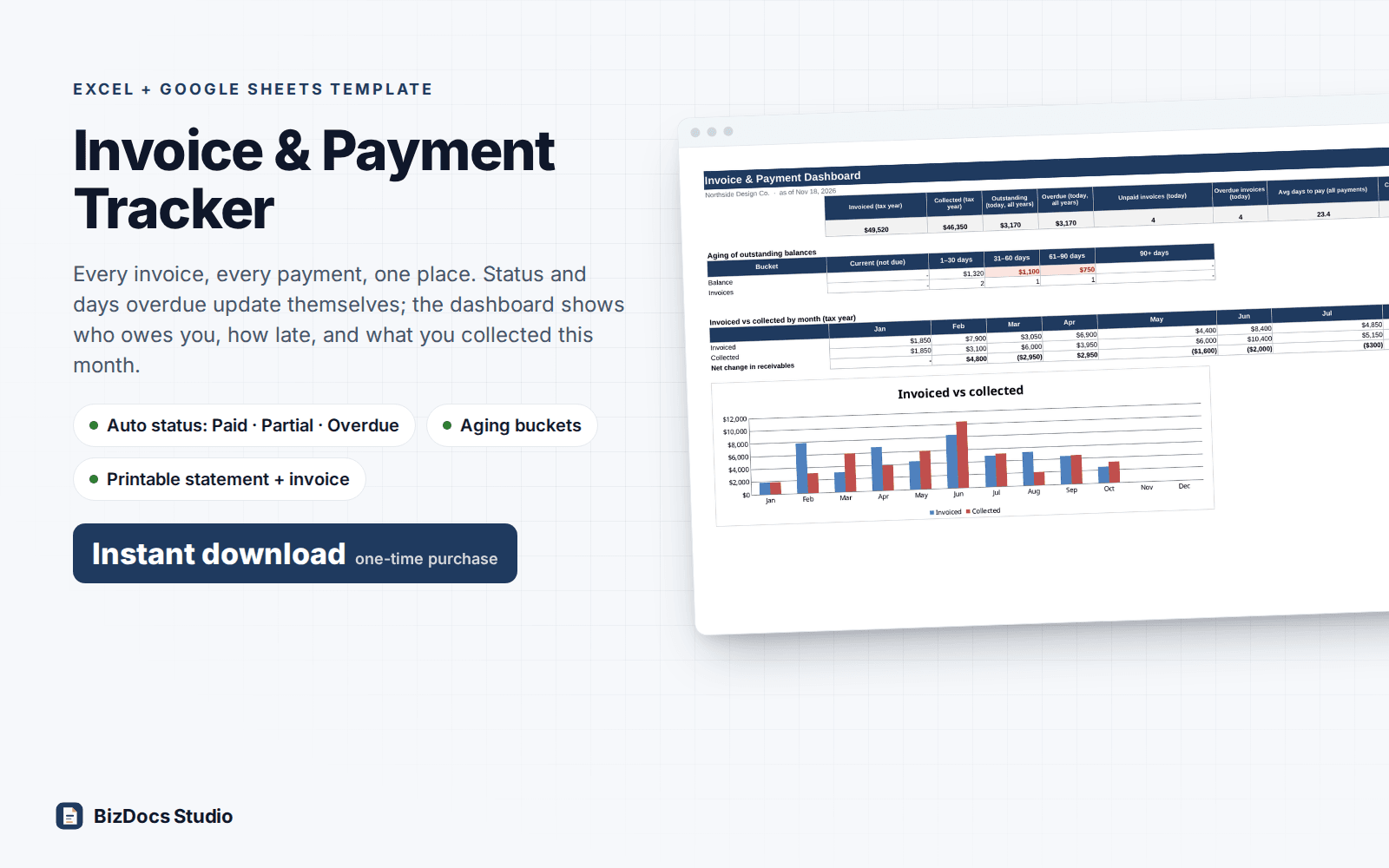
Every invoice and payment in one list, with who owes you and how many days late they are.
Small Business Budget & Cash Flow
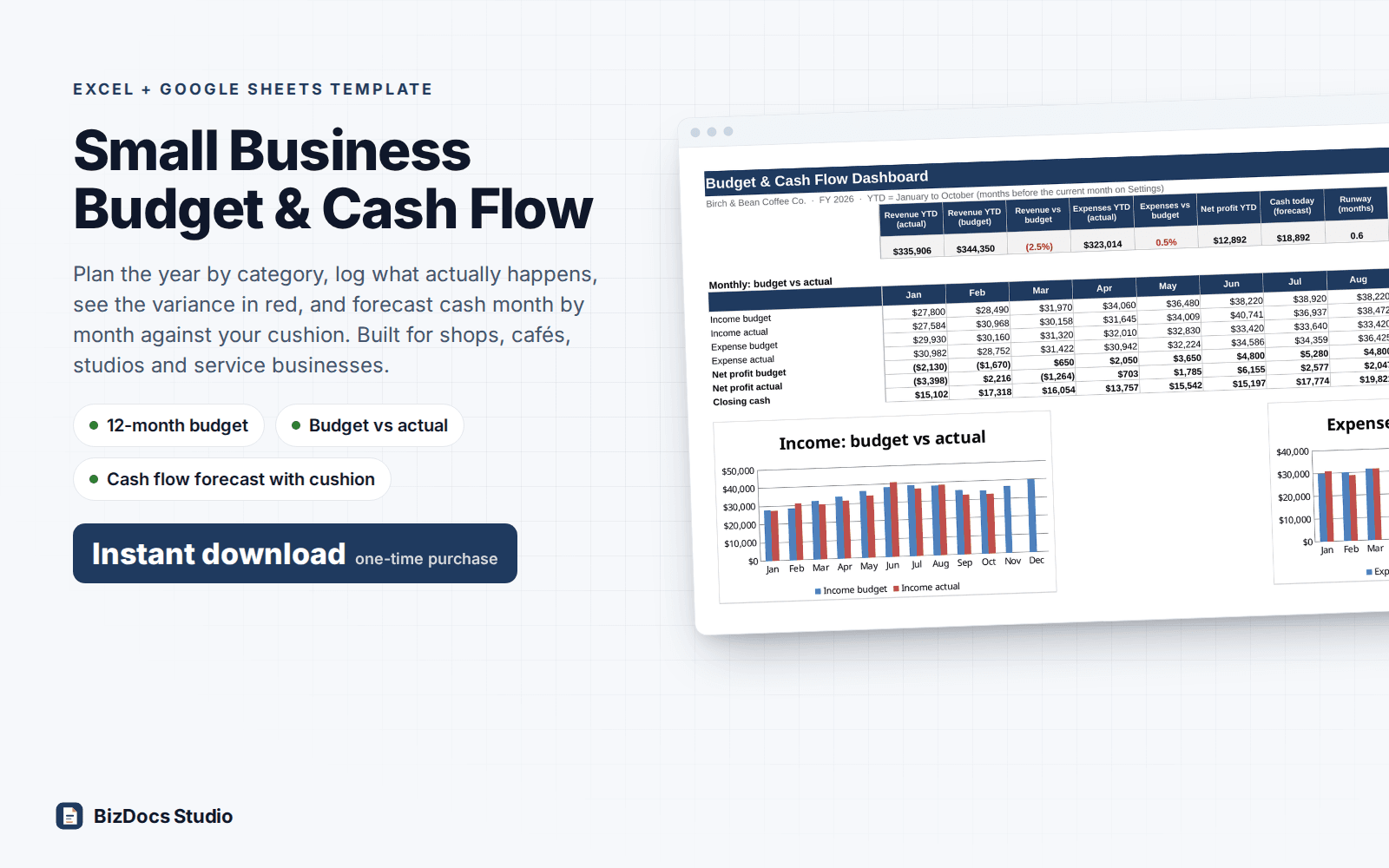
A 12-month budget with actuals beside it and a cash flow that shows which month runs short.
Mileage Log & Tax Deduction Tracker
$6 one-time · instant download · 14-day refund