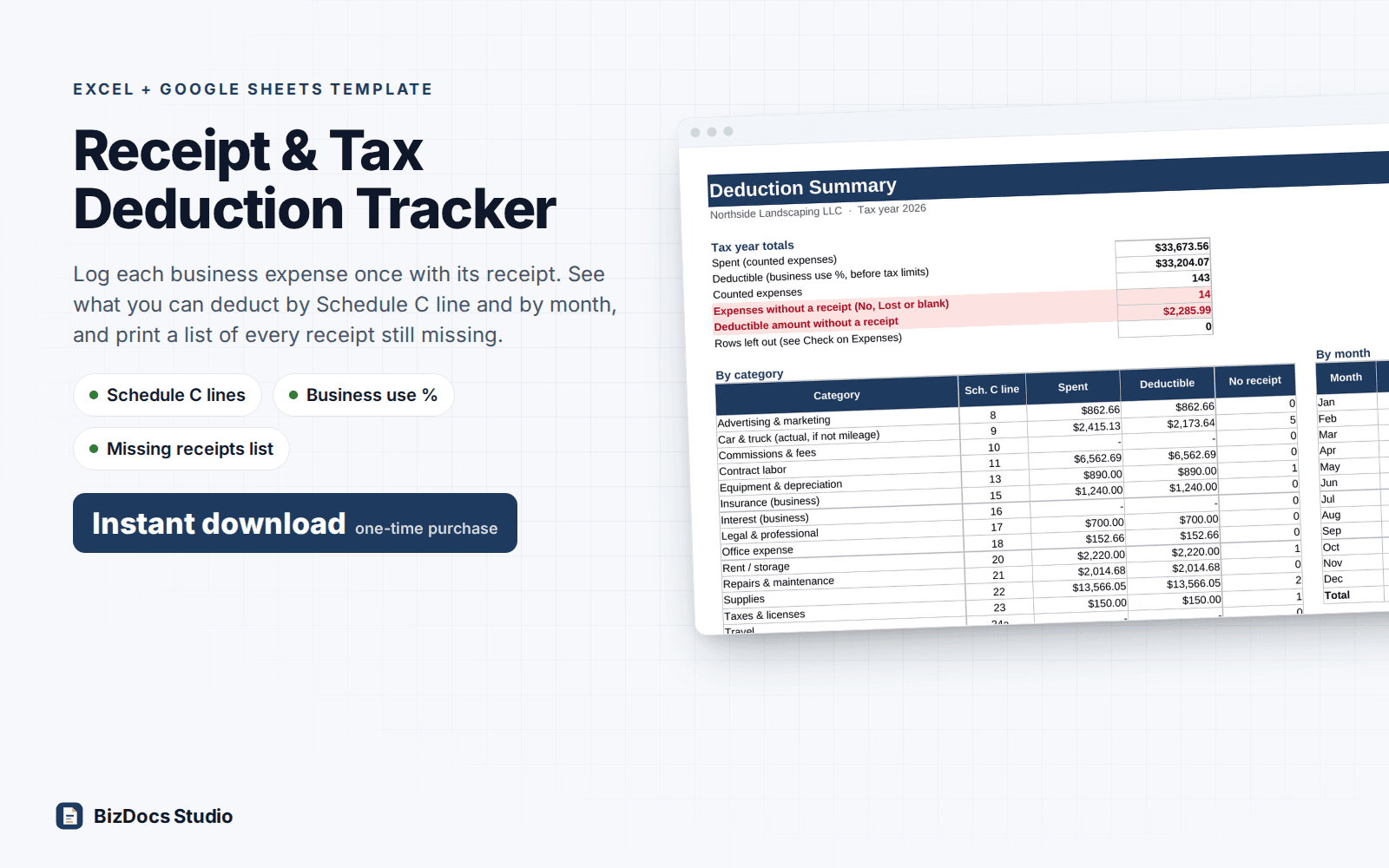
Receipt & Tax Deduction Tracker for Excel and Google Sheets
Receipt & Tax Deduction Tracker
Log each business expense once with its receipt. See what you can deduct by Schedule C line and by month, and print a list of every receipt still missing.
- Instant download · Excel workbook (.xlsx), opens in Google Sheets
- 14-day refund, no questions asked
- Personal and business use license
- Free updates to this version
Works with
- Microsoft Excel (tested in Excel for the web)
- Google Sheets (File > Import)
- No macros, no add-ins
Made for: Self-employed people and 1099 contractors, Small businesses that file Schedule C, Anyone who needs to find missing receipts before tax time.
5 tabs, one linked system
A receipt tracker spreadsheet for self-employed people and small businesses that file Schedule C. Log each business expense once with its category, amount, business use and receipt status; the workbook works out the deductible amount to the cent, totals it by Schedule C line and by month, shows how much of your deductions has no receipt behind it, and keeps a printable list of every missing receipt sorted by date. Excel and Google Sheets.
- 1
Start Here
Quick start in five steps, what the colours mean, how the deductible amount is worked out, the sample data and how to print.
- 2
Settings
Tax year, business name, 25 category rows (20 categories ship, each with its Schedule C line, all editable), up to 10 payment methods, and the fixed Receipt? list (Yes, No, Lost). Red messages name a category listed twice, a Schedule C line with no category name, and a tax year outside 2000 to 2100.
- 3
Expenses
1,000 rows for date, vendor, description, category (dropdown), amount, business use %, payment method, Receipt? (Yes, No or Lost), where the receipt is saved and notes. Each row shows the deductible amount, and a Check column explains any row left out of every total: date missing, stored as text or in another year, a category missing or not on Settings, an amount missing, stored as text or not above 0, a business use % stored as text or outside 0% to 100%, and a Receipt? entry not on the list. A line above the table turns red if an expense is typed into a row without formulas, for example an inserted row.
- 4
Missing Receipts
Every counted expense whose Receipt? is No, Lost or blank, sorted by date with date, vendor, description and amount, up to 200 rows; if more than 200 are missing, the list says how many are not shown. It updates by itself and prints as a to-do list.
- 5
Summary
Spent and deductible for the tax year, the number of counted expenses, how many have no receipt and the deductible amount they carry, rows left out; spent, deductible and missing receipts for each category with its Schedule C line; deductible by month with a chart, and seven check lines that should all read 0.
What you can count on
- Deductible amount per expense: amount x business use % (blank means 100%), rounded to the cent
- Totals by Schedule C line (Form 1040): 20 categories ship mapped to their lines, 25 category rows to edit or extend
- A Missing Receipts list that fills itself: every counted expense with Receipt? No, Lost or blank, ready to print
- Shows how much of your deductions has no receipt behind it, and how many expenses in each category are missing one
- Nothing drops out without a red flag: a Check column on every row says why an expense is not counted
- Sample year for a landscaping company: 143 expenses, $33,204.07 deductible, 14 without a receipt carrying $2,285.99
- 8,611 formulas, all visible and editable, no macros
Last updated November 19, 2026. Buyers get updates to this version free, by email.
Before you buy
Which Schedule C lines does it use?
Each category on Settings carries a line: advertising 8, car and truck 9, commissions and fees 10, contract labor 11, equipment and depreciation 13, insurance 15, interest 16, legal and professional 17, office expense 18, rent 20, repairs 21, supplies 22, taxes and licenses 23, travel 24a, meals 24b, utilities 25, and other expenses such as software, training and bank fees on 27b. You can change any line or add your own categories. Your tax preparer makes the final call.
Does it apply the meals limit or depreciation?
No. The deductible amount is the amount times your business use %. Limits such as the one on business meals, and how equipment is depreciated, are left to your tax preparer; the file says so on the Summary.
Can I track mileage in it?
Use the Car & truck category for actual vehicle costs such as fuel and repairs. If you use the standard mileage rate for a vehicle, track its trips in a mileage log instead; ask your tax preparer which method fits you.
Does it store my receipts?
No. It records whether you have each receipt and where you saved it, for example a folder path or a link to a cloud drive.
Is this tax advice?
No. It is a record-keeping tool. Confirm deductions with your tax professional.
How do I get the file?
Instantly after payment: a download page opens and the link is also emailed to you. Lost it? Email us and we resend it.
What if it is not what I need?
Email us within 14 days and we refund you. No forms, no questions.
Learn before you fill it in
More templates for small business
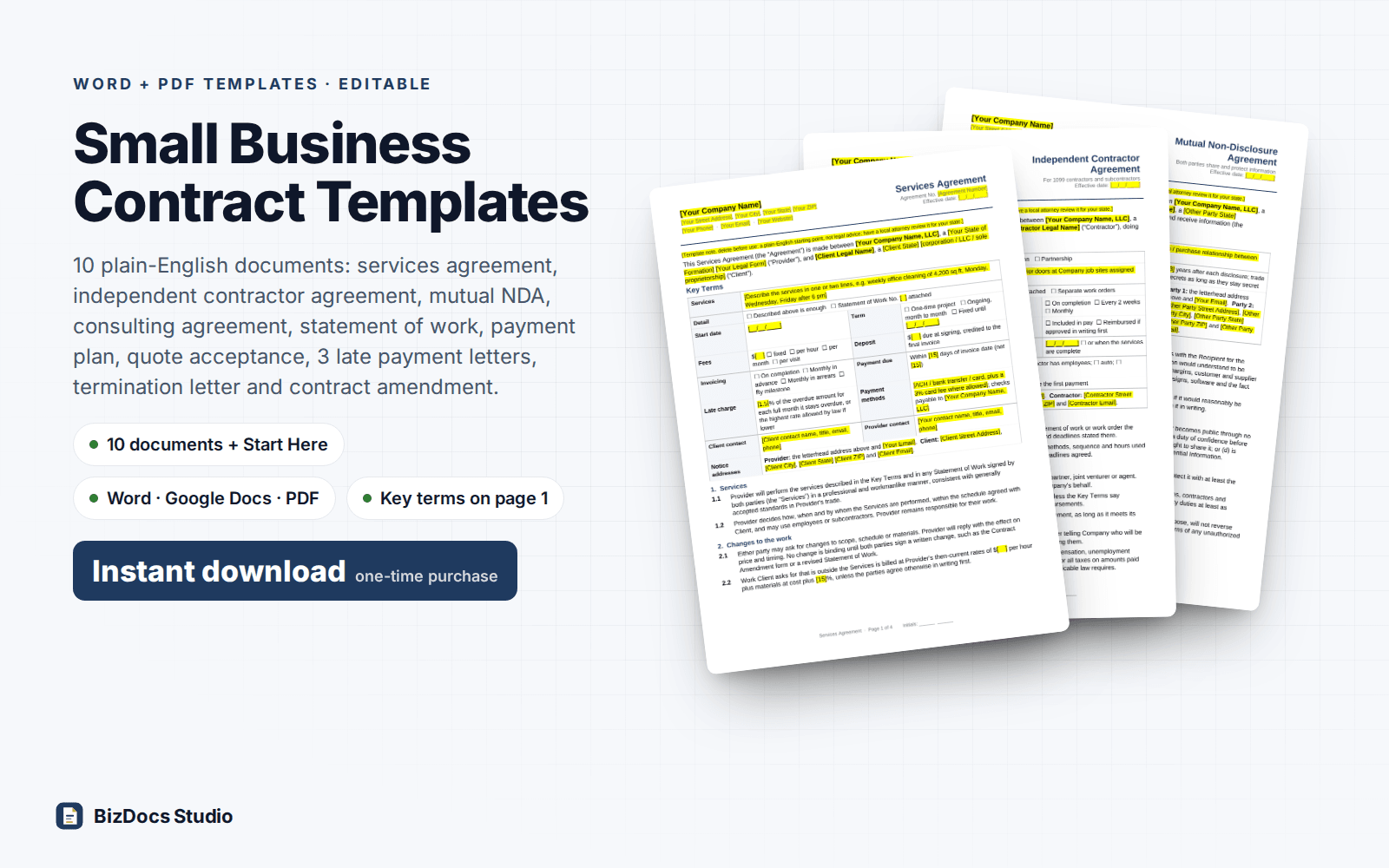
Small Business Contract Templates Pack
Services, contractor, NDA and consulting agreements, plus a payment plan and late payment letters.
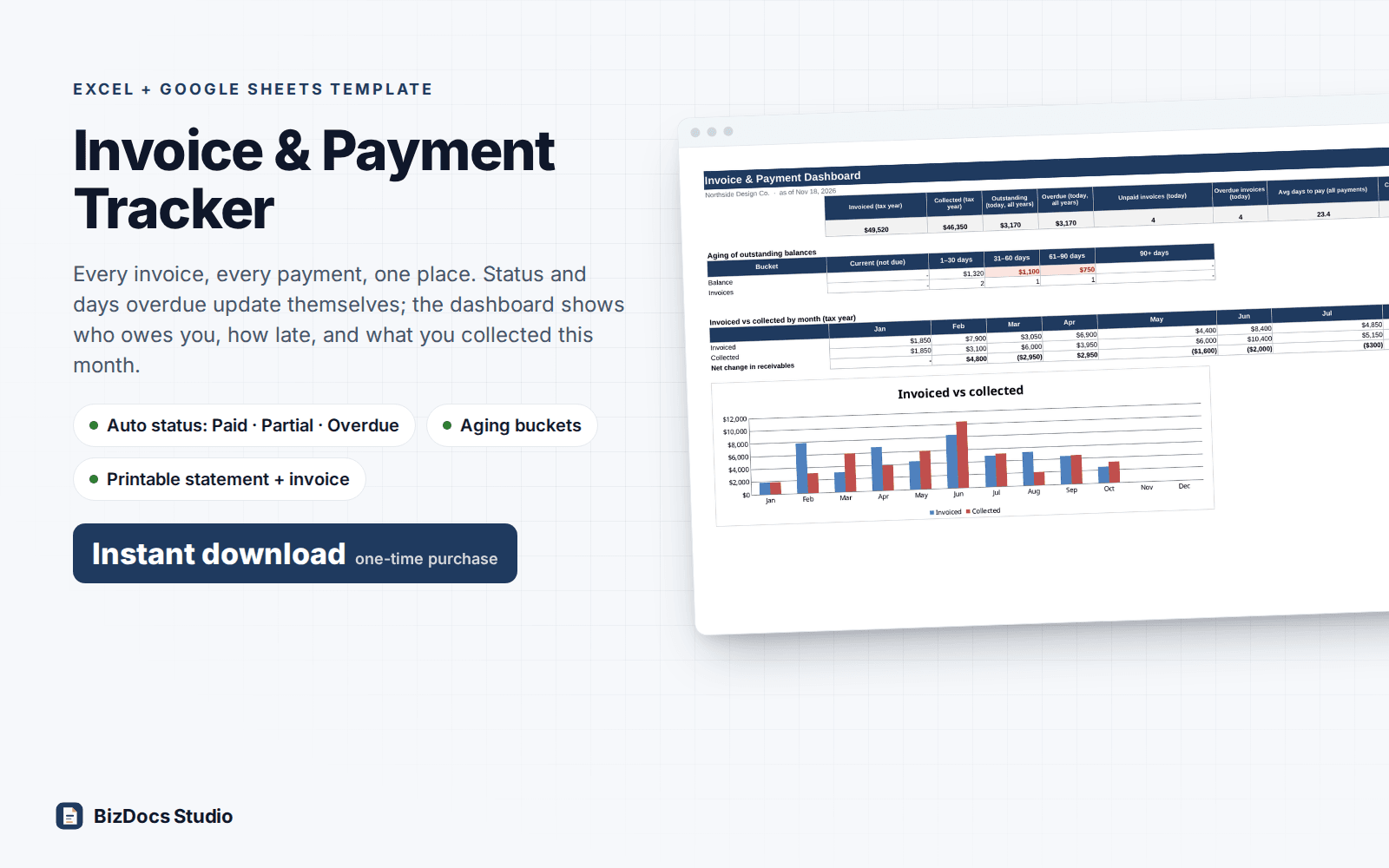
Invoice & Payment Tracker
Every invoice and payment in one list, with who owes you and how many days late they are.
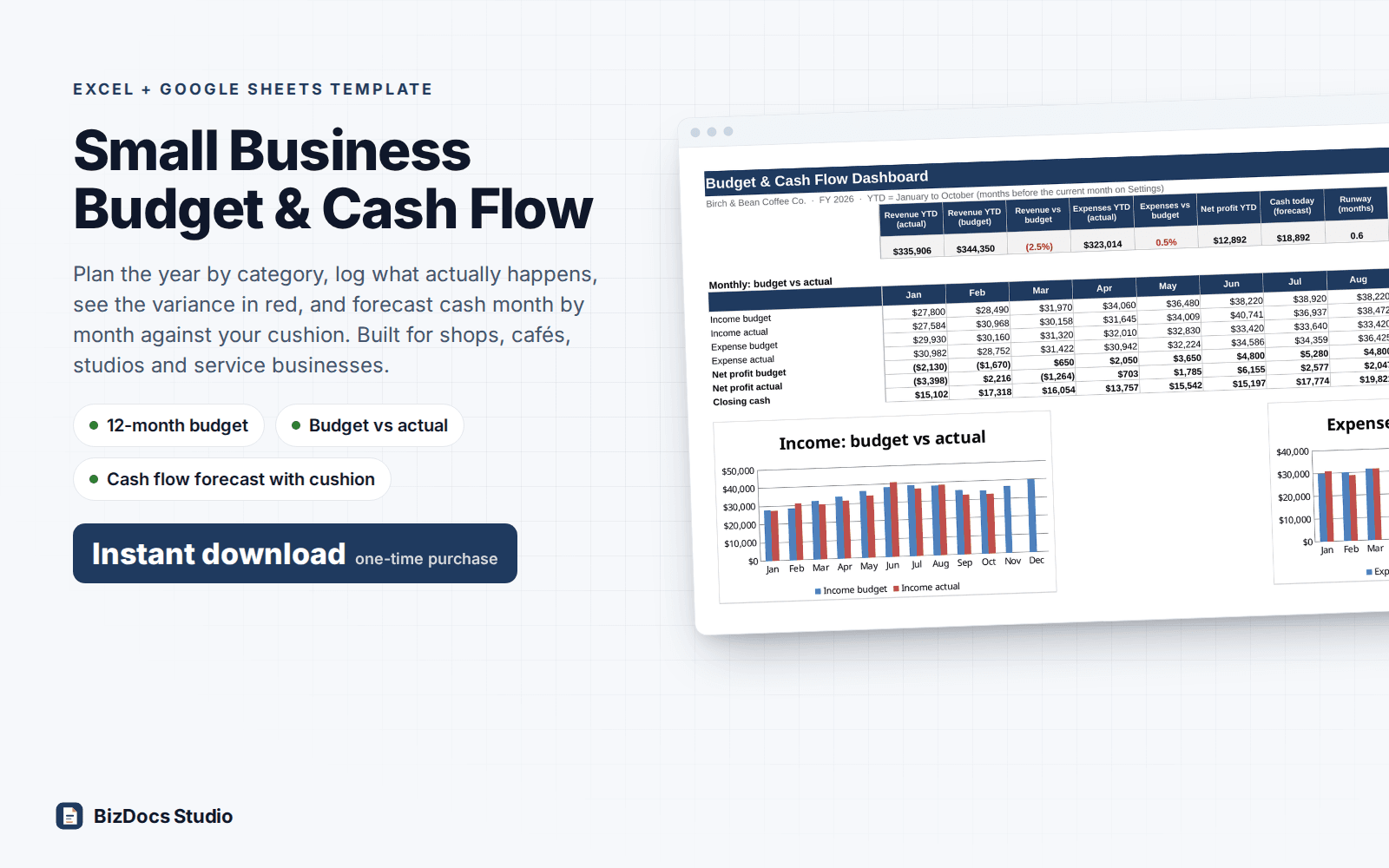
Small Business Budget & Cash Flow
A 12-month budget with actuals beside it and a cash flow that shows which month runs short.
Receipt & Tax Deduction Tracker
$6 one-time · instant download · 14-day refund