Small Business Inventory Spreadsheet with Reorder Alerts for Excel and Google Sheets
Inventory Spreadsheet Template with Reorder Alerts
Stock on hand by location, reorder alerts by supplier, a printable purchase order and a count sheet for small product businesses.
- Instant download · Excel workbook (.xlsx), opens in Google Sheets
- 14-day refund, no questions asked
- Personal and business use license
- Free updates to this version
Works with
- Microsoft Excel 2010 or newer
- Google Sheets (File > Import)
- Excel for Mac
- No macros, no add-ins
Made for: Retail shops and boutiques, Etsy, Shopify and craft fair sellers, Salons and spas that sell retail product, Parts rooms and small warehouses, Anyone who has outgrown a list of item names and counts.
12 tabs, one linked system
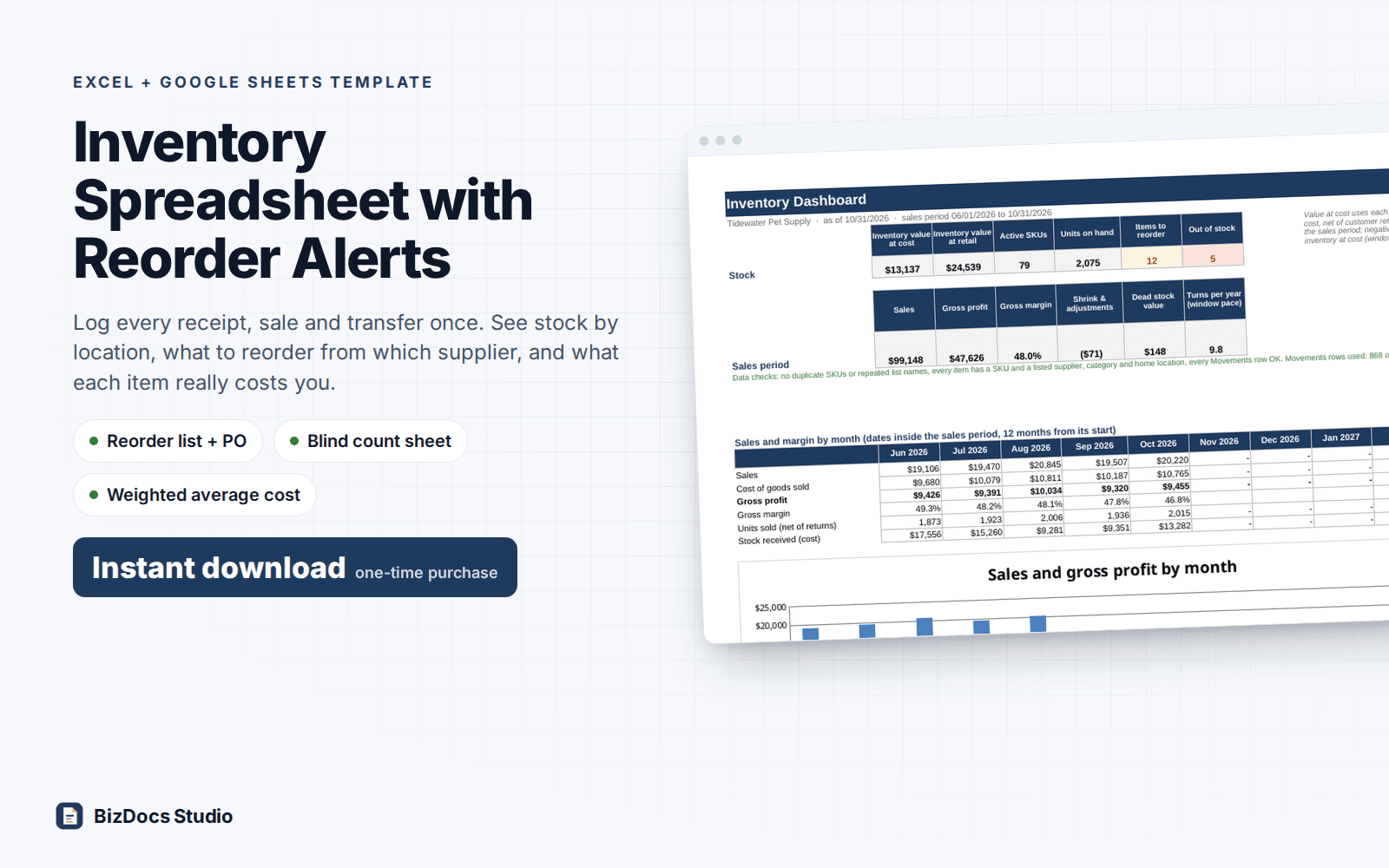
An inventory spreadsheet for shops that sell physical products: retail stores, Etsy and Shopify sellers, salons with retail shelves and parts rooms. Log receipts, sales, returns, adjustments and transfers on one tab; stock on hand by location, moving weighted average cost, inventory value and gross margin calculate from it. A reorder report groups low items by supplier and prints as a purchase order, a blind count sheet prints by location, and Stock Health flags dead and slow stock. Excel and Google Sheets.
- 1
Start Here
How the tabs fit together, the color legend, how the moving weighted average is calculated with a worked example, the reorder rule, a counting routine, printing and Google Sheets notes.
- 2
Dashboard
Inventory value at cost and at retail, active SKUs, units on hand, items to reorder, out of stock, sales, gross profit and margin, shrink, dead stock value and turns per year. Sales and margin by month with a chart, value by location (including stock not at a known location), value and sales by category (with a line for items not on the category list and a line for the extra rows of a duplicate SKU, so the table adds up to the totals), a data check line for duplicate SKUs, names listed twice in the category, location, unit or supplier lists, Items rows with no SKU, items whose supplier, category or home location is blank or not on its list, items whose unit is not on the Units list, items whose Active? is not Yes or No, active items with no cost or sell price, numbers typed as text or below 0, Settings dates that are not dates, list rows with details but no name, flagged Movements rows and a sales period longer than the 12-month table, top 10 items by gross profit, and the cash tied up in dead and slow stock.
- 3
Settings
Business details, as-of date, sales period, sales window for days of stock (90 days by default), safety days, slow mover limit, recount limit in dollars, PO tax rate. Up to 5 locations, 20 categories and 20 units.
- 4
Suppliers
Up to 15 suppliers with contact, phone, email, account number, payment terms, order minimum and notes. Items to reorder and estimated order value per supplier.
- 5
Items
Up to 200 SKUs: name, category, supplier, supplier part number, unit, home location, bin, reorder point, reorder qty, case pack, lead time, latest cost, sell price, on order. On hand, average cost, inventory value, margin and status (OK, On order, Reorder, Out of stock, Inactive, Duplicate SKU, Check supplier, Reorder: fix supplier, Enter a SKU) calculate.
- 6
Movements
3,000 rows for Receive, Sale, Return, Adjust and Transfer, with dropdowns and a rows-used counter. Each row shows on hand after, average cost after, inventory dollar change, sales and cost of goods sold. A Check column flags a missing or unknown SKU, a missing date, type, quantity, location or To location, a type not on the list, a date or number typed as text, a negative qty on a row that is not an Adjust, a location or To location not in Settings, a row dated after the as-of date, a row dated before the last one for that SKU, stock going below zero overall or at one location, a receipt with no cost and a sale with no price (or a cost or price below 0). A row with no date, type or quantity, or a negative qty on a row that is not an Adjust, is not counted until it is fixed.
- 7
Stock on Hand
Units at each location, units not at a known location, total on hand, on order, average cost, value at cost and at retail, status. Totals at the top.
- 8
Reorder
Every item at or below its reorder point (room for all 200), grouped by supplier: on hand, on order, suggested qty rounded up to the case pack, unit cost, estimated cost, lead time, days of stock. An order summary for up to 15 suppliers, checked against each order minimum, plus a line for items with no listed supplier. Prints the summary and the first 30 lines on one page.
- 9
Purchase Order
Pick a supplier and a one-page PO fills in: supplier details, your SKU and their part number, qty, unit cost, line totals, 5 extra lines you add by hand, freight, tax, expected date from the lead time and a signature line. An order minimum check sits below the printed page.
- 10
Count Sheet
Pick a location and print a blind count sheet, 40 lines a page: bin (or 'not home' when the item's home bin is at another location), SKU, item, unit and a blank counted qty column, plus lines for items found but not listed and signatures.
- 11
Count Entry
One row per item, so posting the adjustments never shifts a typed count. Type the counted quantities. System qty, variance in units, dollars and percent, Match, Adjust or Recount (over your dollar limit), the adjust qty to log, net and absolute variance and count accuracy.
- 12
Stock Health
Per item: units sold in the window, average daily sales, days of stock, last sale, days since sale, suggested reorder point next to yours, sales, cost of goods sold, gross profit and margin for the period, sell-through, ABC class, and a status: Healthy, Stockout risk, Slow mover, Dead stock, New item, Out of stock, Inactive.
What you can count on
- Moving weighted average cost, recalculated row by row on every receipt, with the method and a worked example on Start Here
- Stock by location for up to 5 locations, with transfers between them
- Reorder list grouped by supplier: suggested qty covers reorder point plus reorder qty, minus on hand and on order, rounded up to the case pack
- One-page purchase order for any supplier, with an order minimum check, freight and tax
- Blind count sheet by location, then count reconciliation with variance in units and dollars and a Recount flag
- Dead stock, slow movers, days of stock and a suggested reorder point from recent sales
- Gross margin by item, category and month, net of customer returns
- Sample pet supply shop: 80 SKUs, 6 suppliers, 3 locations and 868 stock moves from June to October
- 69,000+ formulas, nothing locked or hidden; sample results re-derived independently to the cent
Last updated November 20, 2026. Buyers get updates to this version free, by email.
Before you buy
Does it work in Google Sheets?
Yes. Open Google Sheets, File > Import > Upload the .xlsx. Every formula uses functions that both Excel and Sheets support (SUMIFS, INDEX/MATCH, COUNTIFS and the like); there are no macros. The workbook is large, so give the first import a minute to calculate.
How many items and stock moves does it hold?
200 items, 3,000 movement rows, 15 suppliers, 5 locations and 20 categories. Movements shows how many of its 3,000 rows are used and turns red near the limit. The sample shop logs about 174 rows a month (all movement types), so 3,000 rows hold about 17 months of that activity. Logging weekly sales totals for 80 SKUs adds about 347 sale rows a month; with the sample's 61 other rows a month that is about 408, so the log lasts about 7 months. Start Here shows how to start a new file in four steps, carrying over each item's stock and average cost.
Does it connect to Shopify, Square or my POS?
No, there is no live sync. Most shops paste a sales total per item from their POS report: daily, weekly or monthly. The more often you log sales, the more exact days of stock and days since last sale are.
Why weighted average cost and not FIFO?
Moving weighted average is simple to keep in a spreadsheet and gives a fair cost when prices change: every receipt re-averages the cost of what is on the shelf. This is a stock management tool, not tax or accounting advice. Ask your accountant which inventory method you report.
Can I use it for a salon, Etsy shop or parts room?
Yes. Locations, categories, units, suppliers and case packs are all yours to set. A location can be a shelf, a back room, a van, a storage unit or a booth.
How do I get the file?
Instantly after payment: a download page opens and the link is also emailed to you. Lost it? Email us and we resend it.
What if it is not what I need?
Email us within 14 days and we refund you. No forms, no questions.
Learn before you fill it in
More templates for small business
Freelancer Bookkeeping & Tax Tracker
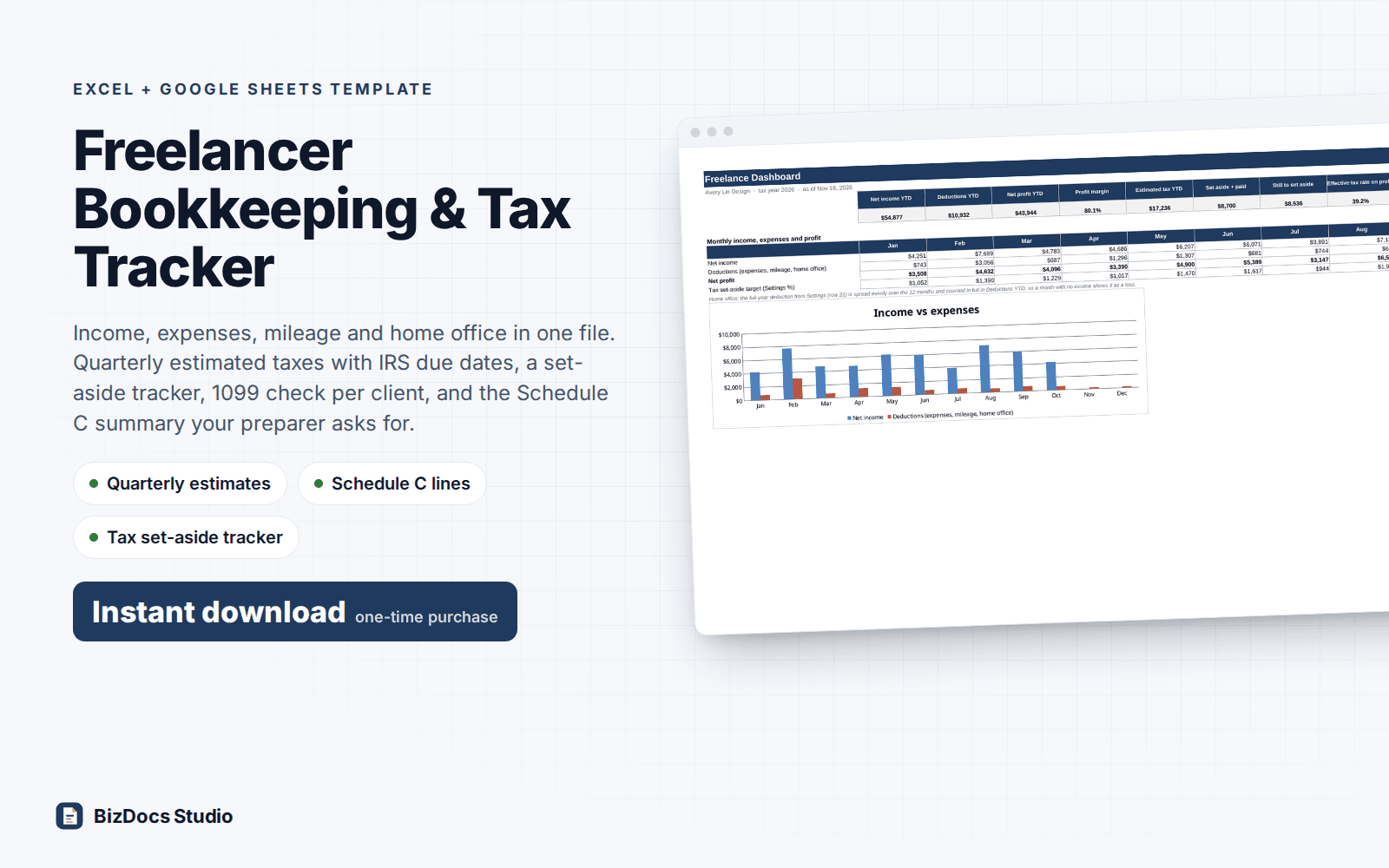
Income, expenses, mileage and estimated quarterly tax for a freelancer, sorted by Schedule C line.
Quote, Purchase Order & Price List Templates
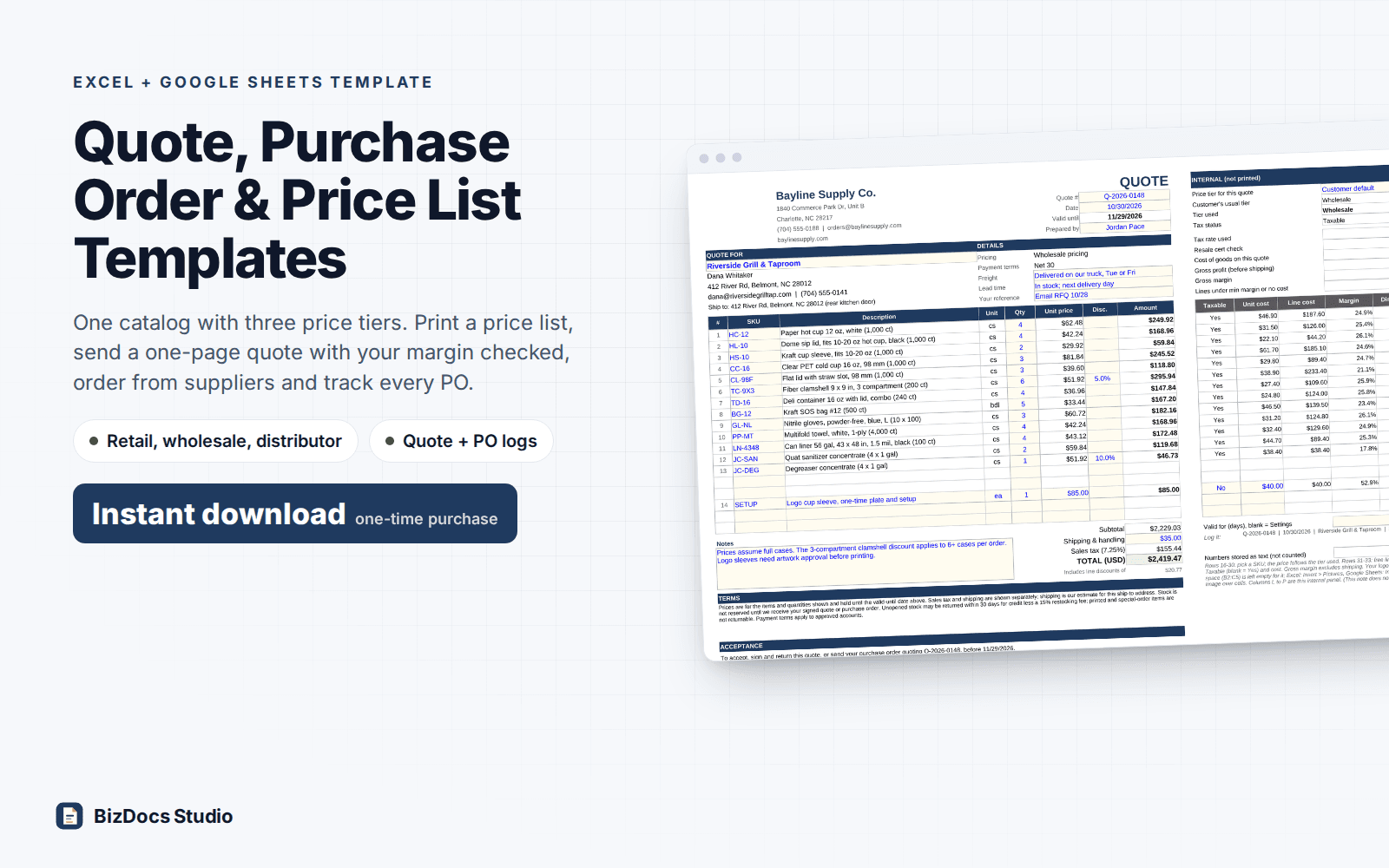
Quote from your own price list, check your margin before you send it, and track every purchase order until the last case arrives.
Real Estate Agent Commission & Expense Tracker
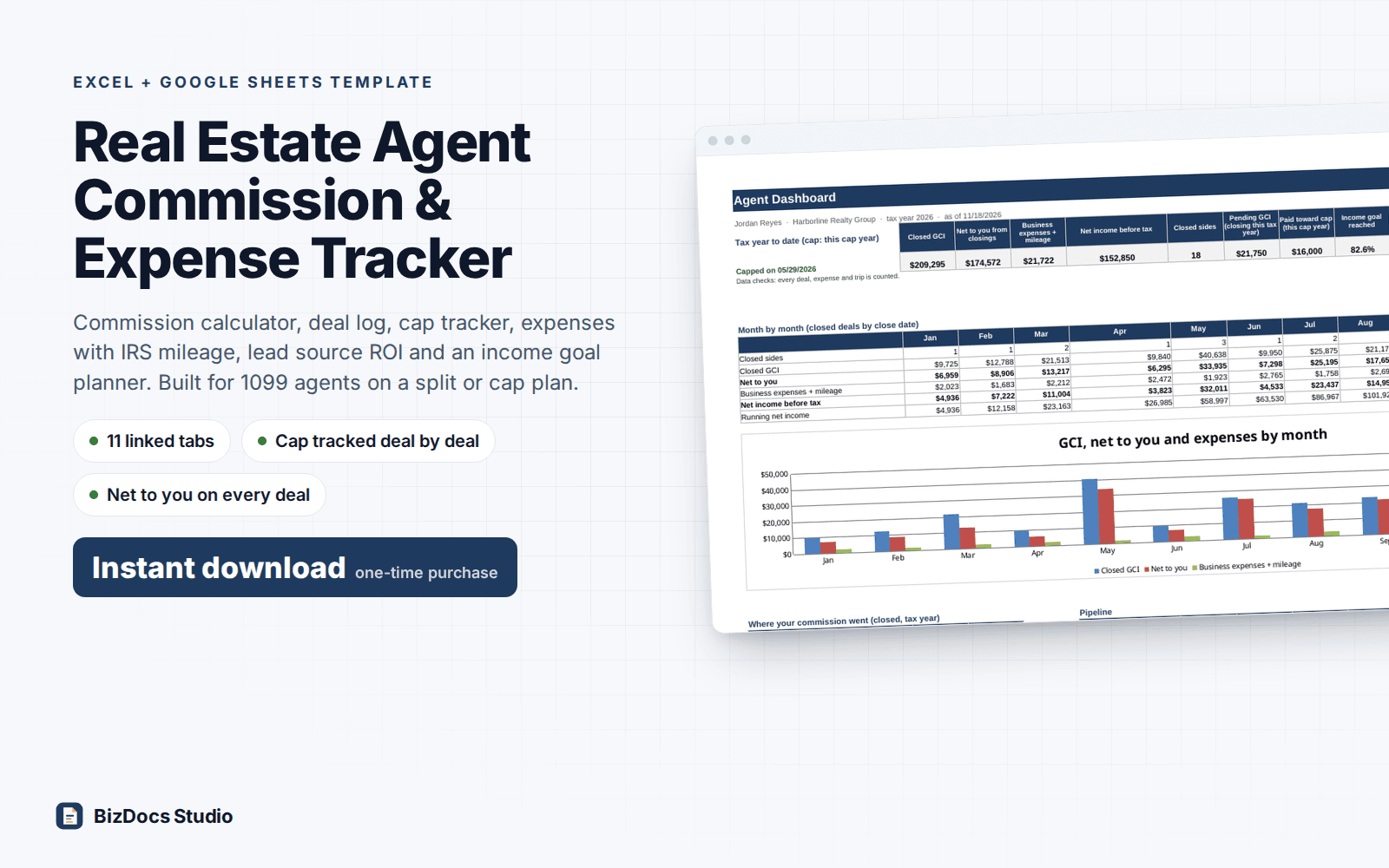
See what every deal really pays you after referral, split, cap and fees, and track your expenses, mileage and income goal in the same file.
Small Business Inventory Spreadsheet with Reorder Alerts
$9 one-time · instant download · 14-day refund